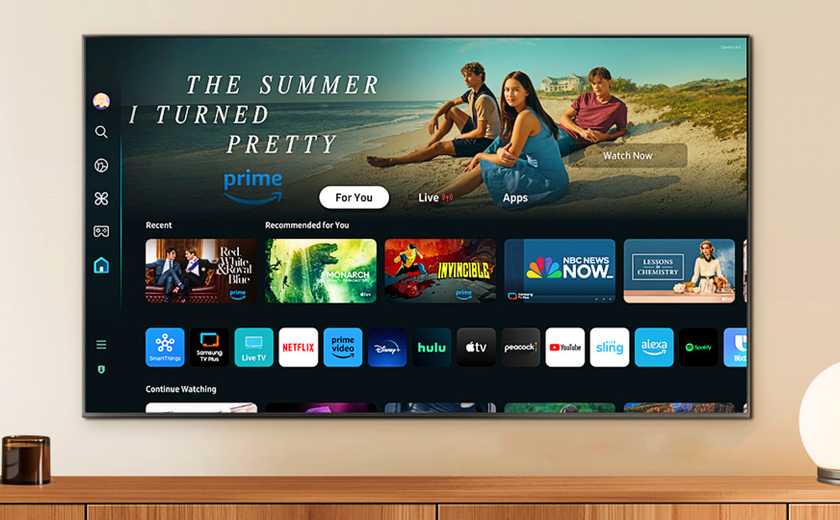
Are you wondering if your smart TV apps can deliver that stunning 4K picture quality you crave? You’re not alone.
With so many apps and streaming options available, it’s confusing to know which ones truly support 4K. Imagine watching your favorite shows and movies in crystal-clear detail, right from your app—no guesswork needed. Keep reading, and you’ll discover exactly how smart TV applications handle 4K, so you can make the most of your screen and enjoy every pixel like never before.
4k Technology Basics
Understanding the basics of 4K technology helps you appreciate why it matters for your Smart TV experience. This technology changes how sharp and detailed images appear on your screen. Knowing what 4K resolution is and its benefits can guide you in choosing the right apps and content for your TV.
What Is 4k Resolution?
4K resolution refers to a display resolution of approximately 3840 x 2160 pixels. This means the screen shows over 8 million pixels, four times the number found in Full HD (1080p).
More pixels mean finer details. You can see textures, edges, and colors more clearly, making images look closer to real life. Have you noticed how some shows or movies look sharper on your TV? That’s often because they use 4K resolution.
Benefits Of 4k On Smart Tvs
Watching 4K content on your Smart TV offers several advantages. The sharper image quality makes movies, sports, and games more immersive. You catch details you might miss in lower resolutions, like the individual leaves on a tree or subtle facial expressions.
Smart TV apps that support 4K, such as Netflix or Amazon Prime Video, let you stream high-quality content directly. This reduces the need for extra devices. Have you ever streamed a 4K video and felt like you were right there in the scene?
- Enhanced visual clarity:Text and graphics are crisper, improving readability and enjoyment.
- Better color depth:Many 4K TVs support HDR, which makes colors more vivid and realistic.
- Future-proofing:As more content shifts to 4K, your Smart TV stays relevant longer.

Credit: www.instagram.com
Smart Tv App Compatibility
Smart TV app compatibility plays a crucial role in your viewing experience, especially if you want to enjoy crisp 4K content. Not all apps automatically support 4K streaming, and some may require specific updates or versions. Understanding which apps work with your TV and what your device needs will help you make the most of your smart TV’s capabilities.
Popular 4k Streaming Apps
Many streaming apps offer 4K content, but availability depends on the app and sometimes on your region. Apps like Netflix, Amazon Prime Video, and Disney+are well-known for their 4K libraries. YouTube also supports 4K videos, including user-generated content and official releases.
These apps often require you to have a premium subscription to access 4K streams. Additionally, some apps may only offer 4K on specific devices or through their latest app versions. Have you checked if your favorite streaming app supports 4K on your TV yet?
Device Requirements For 4k Apps
Not every smart TV can run 4K apps smoothly. Your TV must have a 4K display and a processor powerful enough to handle high-resolution streams. Also, the app version should support 4K playback on your model.
Many smart TVs specify if they support 4K apps in their specifications. Beyond the TV itself, a stable internet connection with at least 25 Mbps speed is essential for buffering-free 4K streaming. Without meeting these requirements, even compatible apps may not deliver the best experience.
Factors Affecting 4k Support
Understanding what affects 4K support on smart TV applications can save you from frustration and help you get the best viewing experience. Several factors come into play, and knowing these can empower you to troubleshoot or optimize your setup effectively. Let’s dive into what really matters for smooth 4K streaming.
Internet Speed And Bandwidth
4K streaming requires a fast and stable internet connection. Ideally, you need at least 25 Mbps download speed for uninterrupted 4K playback.
If your connection fluctuates or is slower, you may face buffering or automatic resolution drops. Have you checked your internet speed recently? Running a quick speed test can reveal if your network is holding back your 4K experience.
App Version And Updates
Using the latest version of your smart TV app is crucial for 4K support. Developers often release updates to improve streaming quality and fix bugs that could affect resolution.
Sometimes, older app versions don’t support 4K even if your TV hardware does. Make it a habit to check for updates regularly—this simple step can unlock 4K features you didn’t have access to before.
Smart Tv Hardware Limitations
Your TV’s hardware plays a big role in whether 4K content can be displayed properly. Older or budget models might lack the necessary processing power or display capabilities.
Even if the app streams 4K content, your TV might downscale it if it can’t handle the resolution. Check your TV’s specifications for 4K compatibility and HDR support to know what to expect.
-Front-Screen-Tubi-Reviewer-Photo-SOURCE-Parker-Hall_.png)
Credit: www.wired.com
Troubleshooting 4k Playback
Troubleshooting 4K playback on smart TV applications can be challenging. Many users face issues like buffering, poor image quality, or no playback. These problems often arise from settings, hardware limits, or network issues. Identifying the cause helps fix the problem quickly. This section covers common playback issues, setting tips, and when to contact support.
Common Playback Issues
- Video buffering or freezing during playback
- Playback stuck on loading screen
- 4K videos playing in lower resolution
- Audio and video out of sync
- App crashes or fails to open
These issues can occur due to slow internet, incompatible apps, or outdated firmware.
Optimizing Settings For 4k
- Check internet speed; 25 Mbps or higher is ideal
- Use a wired Ethernet connection for stable streaming
- Update smart TV firmware and app versions regularly
- Enable 4K or UHD mode in the app settings
- Adjust picture settings to match 4K resolution
- Close other apps running in the background
Optimizing these settings improves playback smoothness and video quality.
When To Contact Support
- Persistent buffering despite good internet speed
- App crashes on multiple attempts to play 4K videos
- Smart TV does not detect 4K content properly
- Firmware updates fail or cause new problems
Contact support for help with complex issues or device-specific problems. Provide details about the issue and your TV model for faster assistance.
Future Of 4k On Smart Tvs
The future of 4K on Smart TVs is bright and evolving faster than you might think. As technology advances, we’re witnessing Smart TVs transform into powerful hubs for entertainment, providing stunning visual experiences. The question is, are Smart TV applications ready to keep up with the 4K revolution? Let’s explore the emerging app technologies and upcoming standards that are set to redefine your viewing experience.
Emerging App Technologies
Smart TV applications are continually innovating to support the 4K format. Developers are leveraging cutting-edge technologies to enhance app performance and visual quality. They focus on optimizing app interfaces to handle high-resolution graphics smoothly.
Consider how streaming platforms are integrating AI-driven algorithms to improve buffering and streaming quality, ensuring seamless 4K playback. If you’ve ever found yourself frustrated by lag or low-quality streams, these technologies promise significant improvements.
Moreover, app creators are exploring ways to utilize cloud computing, allowing apps to offload heavy processing tasks to remote servers. This means your Smart TV won’t need to work as hard, ensuring a fluid 4K experience without hiccups.
Upcoming 4k Standards
Exciting developments in 4K standards are on the horizon. The industry is pushing for new protocols that will make 4K streaming even more accessible and efficient. These standards aim to reduce bandwidth consumption while maintaining high-quality visuals.
There’s talk about the next generation of HDMI standards, which promise faster data transmission rates. This could mean less waiting time for buffering, providing you with an instant and immersive viewing experience.
Have you ever wondered how these advancements might affect your current setup? As new standards roll out, older TVs might struggle to keep up. Thus, if you’re considering an upgrade, it’s worth looking for models that support upcoming standards to future-proof your entertainment.
As technology progresses, the future of 4K on Smart TVs looks promising and full of potential. With emerging technologies and new standards paving the way, your viewing experience is set to become more vivid and engaging than ever before.
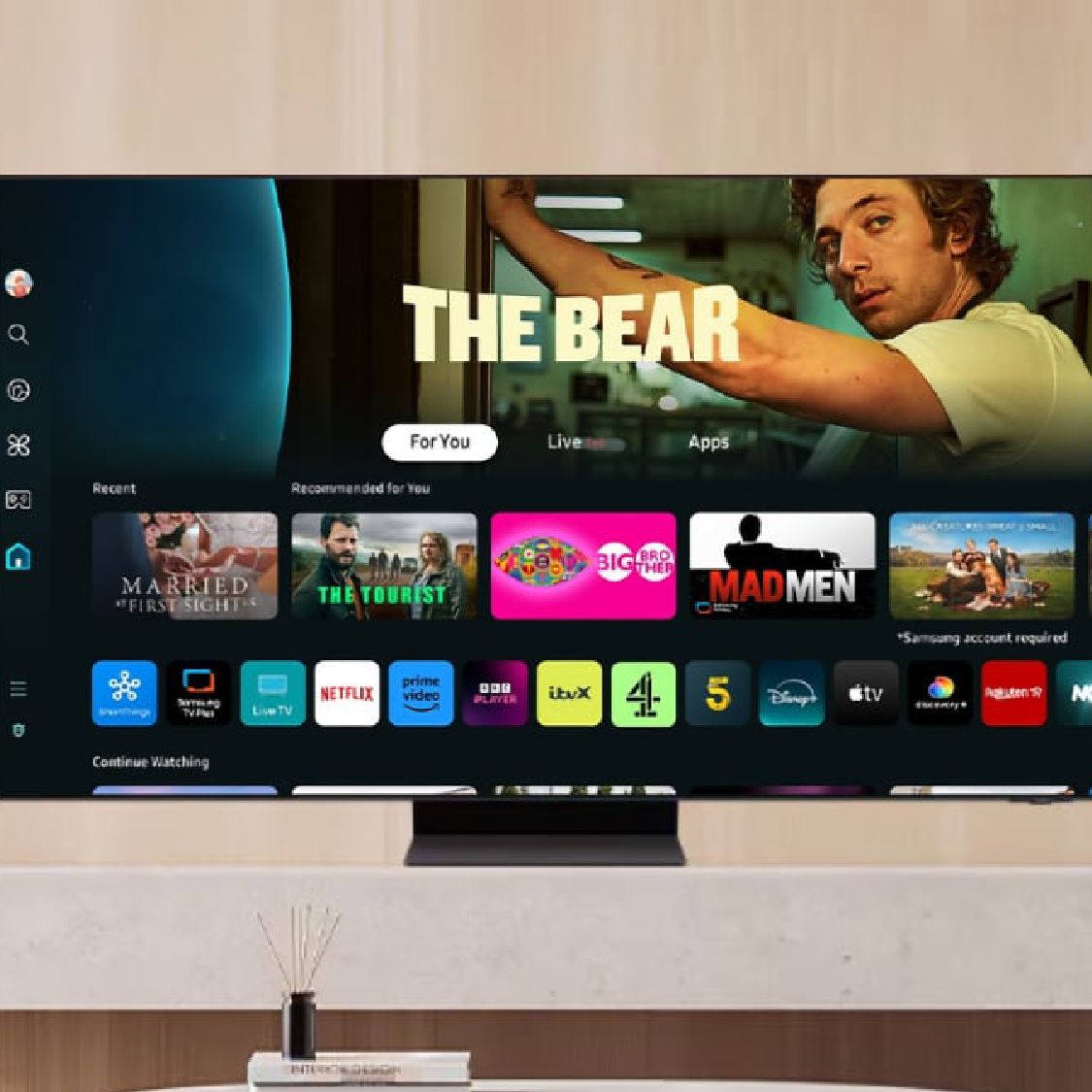
Credit: www.tomsguide.com
Frequently Asked Questions
Do All Smart Tv Apps Support 4k Resolution?
Not all smart TV apps support 4K. It depends on the app developer and content availability. Popular streaming apps like Netflix and Amazon Prime often offer 4K streaming on compatible devices.
How To Check If A Smart Tv App Supports 4k?
Check the app’s description in the app store or official website. Look for “4K,” “Ultra HD,” or “HDR” labels. Also, verify your internet speed supports 4K streaming for smooth playback.
Does Internet Speed Affect 4k Streaming On Smart Tv Apps?
Yes, streaming 4K content requires fast internet, typically 25 Mbps or higher. Slower speeds cause buffering or lower resolution playback, impacting your viewing experience significantly.
Can Older Smart Tvs Run 4k Apps Smoothly?
Older smart TVs may struggle with 4K apps due to hardware limitations. They might not support 4K decoding or have outdated app versions, affecting performance and picture quality.
Conclusion
Smart TV apps often support 4K for clearer, sharper images. Many popular apps stream content in 4K resolution today. Your TV and internet speed affect the quality you see. Not all apps or devices support 4K yet. Always check the app’s details before streaming in 4K.
Watching shows in 4K can improve your viewing experience. Still, standard HD works well for most users. Choose apps that match your TV’s capabilities for best results. Enjoy your favorite shows with the best picture quality available.