
Shipping your desktop computer might seem tricky, but it doesn’t have to be stressful. You want to make sure your valuable device arrives safely, without any damage or hassle.
In this guide, you’ll learn simple, step-by-step tips to pack and ship your desktop like a pro. Whether you’re moving, selling, or sending it for repairs, following these easy instructions will give you confidence and peace of mind. Keep reading to discover how to protect your computer and avoid costly mistakes during shipping.
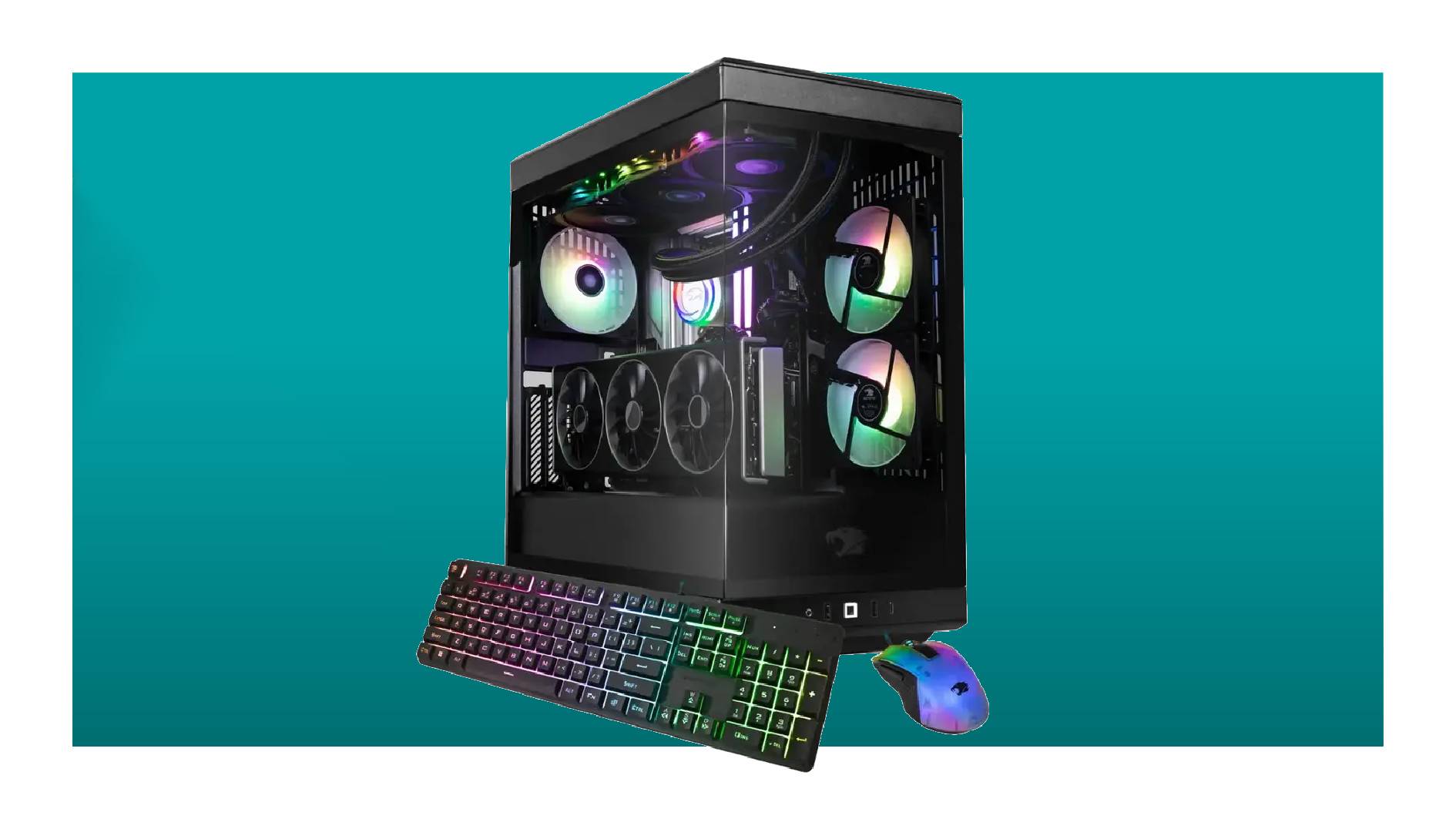
Credit: www.pcgamer.com
Preparing Your Desktop
Preparing your desktop before shipping is essential to protect your computer. It helps avoid data loss and physical damage. Taking careful steps ensures your desktop arrives safely at its destination.
Backing Up Important Data
Save all important files to an external drive or cloud storage. This keeps your information safe if the computer gets damaged. Double-check that all needed data is backed up. Create copies of photos, documents, and work files.
Removing External Components
Unplug all cables, such as power cords, monitors, and keyboards. Remove any USB devices, CDs, and memory cards. Detach printers and speakers if connected. Packing components separately reduces the risk of damage during transit.
Securing Internal Parts
Open your desktop case carefully. Check if large parts like graphics cards or hard drives need extra support. Use foam or bubble wrap around sensitive parts to prevent movement. Tighten screws to keep internal components stable. Protecting inside parts avoids costly repairs later.
Choosing The Right Packaging
Choosing the right packaging is key to shipping a desktop computer safely. Proper packaging protects your computer from damage during transit. It also keeps all parts secure and prevents dust or moisture from entering. The right materials and techniques reduce the risk of costly repairs or replacements.
Selecting A Sturdy Box
Use a strong, double-walled cardboard box. The box should be slightly larger than the desktop to allow space for padding. Avoid old or damaged boxes. New boxes hold up better against pressure and impacts. If possible, use the original packaging from the computer manufacturer. It fits the desktop perfectly and offers good protection.
Using Protective Materials
Protective materials cushion the computer and absorb shocks. Wrap the desktop in anti-static bubble wrap to guard against static electricity. Use foam sheets or packing peanuts to fill empty spaces inside the box. Avoid newspaper as ink can smudge or stick. Secure all cables and accessories separately to prevent tangling or damage.
Cushioning Techniques
Place a thick layer of cushioning at the bottom of the box. Set the wrapped desktop carefully on top. Fill gaps with more foam or packing peanuts. Ensure the desktop does not move when the box is shaken. Add cushioning on all sides, including the top. Close the box and seal it tightly with strong packing tape.
Packing The Computer Safely
Use strong bubble wrap to cover the desktop computer fully. Place it inside a sturdy box with soft padding around for extra protection. Seal the box tightly to keep the computer safe during shipping.
Packing a desktop computer safely is crucial for secure shipping. Protecting each part ensures it arrives in perfect condition. This involves carefully wrapping, positioning, and filling empty spaces. Let’s explore the best practices for each step.Wrapping The Desktop
Start by gathering protective materials. Bubble wrap works best. Remove any detachable components like cables and peripherals. Wrap the computer in bubble wrap, covering all sides. Secure the wrap with tape to prevent it from unraveling. Ensure the wrap is snug, but not too tight.Positioning Inside The Box
Choose a sturdy box slightly larger than the desktop. Place the wrapped computer inside, centering it. Use foam inserts for added protection. The computer should sit securely without moving. Consider using double boxing for extra safety.Filling Empty Spaces
Fill gaps with packing peanuts or crumpled paper. This prevents movement during transit. Ensure all spaces are tightly packed. The computer should not shift inside. Check for any remaining gaps and fill them. Close the box securely with strong tape. Label the box as fragile for careful handling.Labeling And Documentation
Proper labeling and documentation are vital for shipping a desktop computer safely. Clear labels help handlers identify the package and treat it with care. Accurate documentation ensures the package reaches the correct destination without delays. This section covers key points to include on your package and paperwork.
Marking Fragile Items
Mark the box with large, visible “Fragile” stickers or labels. Use bright colors like red or orange for better visibility. Place the labels on multiple sides of the box. This alerts handlers to avoid dropping or stacking heavy items on it. Use symbols like a broken glass icon for universal recognition.
Including Shipping Information
Write the full recipient’s name and address clearly on the box. Include the sender’s address as a return address. Use waterproof markers or printed labels to avoid smudging. Double-check phone numbers and postal codes for accuracy. Attach a copy of the shipping invoice or packing list inside the package. This helps customs and delivery workers verify the contents.
Adding Insurance Details
Purchase shipping insurance for valuable desktop computers. Attach the insurance certificate or declaration on the package. Include the declared value of the computer on the shipping documents. This protects against loss or damage during transit. Keep a copy of the insurance policy for your records. Inform the shipping company about the insurance coverage to ensure proper handling.
Choosing A Shipping Service
Choosing the right shipping service is key when sending a desktop computer. It affects cost, safety, and delivery speed. Picking a good carrier helps avoid damage and delays. Consider the main factors to find the best option for your needs.
Comparing Carrier Options
Different carriers offer various services for shipping computers. Check major providers like FedEx, UPS, and USPS. Each has strengths and weaknesses. Some specialize in fragile items. Others offer better international shipping.
- Review shipping rates and extra fees.
- Look for carriers with good customer reviews.
- Confirm if they handle electronics carefully.
Understanding Delivery Times
Delivery speed varies by service level and distance. Standard shipping may take several days. Express options deliver faster but cost more. Consider how quickly the computer must arrive. Balance speed with budget and safety.
- Check estimated delivery dates before booking.
- Factor in weekends and holidays.
- Choose faster shipping for urgent needs.
Evaluating Insurance And Tracking
Insurance protects your computer against loss or damage. Basic coverage might not be enough for costly desktops. Purchase additional insurance for full protection. Tracking helps monitor the shipment in real time. It provides peace of mind during transit.
- Compare insurance options and costs.
- Verify if tracking is included or extra.
- Keep shipment receipts and tracking numbers.

Credit: alexanderpcs.com
Handling Upon Delivery
Handling your desktop computer right after delivery is crucial to ensure it arrives in perfect working condition. How you check and test the package can save you hours of frustration and prevent data loss. Let’s break down what you need to do as soon as your desktop lands at your doorstep.
Inspecting The Package
Look closely at the outer box for any dents, tears, or water damage. These signs can hint at rough handling during transit. Don’t just glance; press gently to check for unusual softness or noises inside.
Open the package carefully using a box cutter or scissors, avoiding sharp cuts near the desktop itself. Remove all packing materials and keep them until you confirm the computer works perfectly. These materials might be needed for returns or claims.
Testing The Desktop
Plug in your desktop and power it on immediately. Watch for any unusual sounds like grinding or beeping, which can indicate internal damage. Check the display, keyboard, and mouse to make sure everything is responsive.
Run basic programs or your usual startup applications. Does the system boot smoothly without crashes? If you encounter errors, note exactly what happens to communicate clearly later.
Reporting Damage
If you notice any damage or malfunction, report it to the seller or shipping company right away. Time is critical for claims, so don’t delay. Take clear photos of the damage and packaging as evidence.
Be precise in your description and keep records of all communication. Have you ever faced a delay because you didn’t report damage promptly? Acting fast can save you from losing warranty or return options.

Credit: alexanderpcs.com
Frequently Asked Questions
How Do I Pack A Desktop Computer For Shipping?
Use anti-static bubble wrap to cover the computer. Place it in a sturdy box with padding. Fill gaps with foam or packing peanuts to prevent movement during transit.
Should I Remove Computer Components Before Shipping?
Yes, removing components like the graphics card and hard drive reduces damage risk. Pack them separately in anti-static bags and secure padding for safety.
What Shipping Carrier Is Best For Desktop Computers?
Choose carriers with reliable tracking and insurance options like FedEx, UPS, or USPS. Compare rates, delivery times, and package handling services before deciding.
How Can I Label My Desktop Package For Safe Shipping?
Clearly mark the box with “Fragile” and “This Side Up” labels. Include a visible shipping address and contact information on all sides of the package.
Conclusion
Shipping a desktop computer takes care and planning. Pack each part with strong materials. Use plenty of cushioning to avoid damage. Label the box clearly for safe handling. Choose a reliable shipping service you trust. Track your package until it reaches its destination.
Small steps help protect your computer well. Keep these tips in mind for smooth shipping. Your desktop will arrive safe and sound. Easy to follow, right?