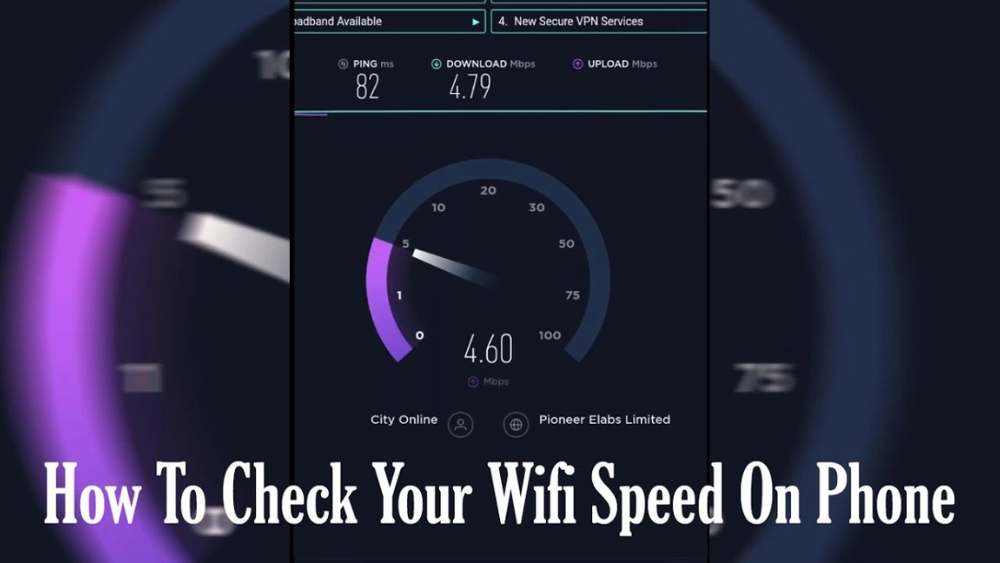
Have you ever wondered just how fast the Wi-Fi on your phone router really is? If you rely on your phone’s hotspot to get online, speed can make all the difference.
Imagine streaming your favorite show without annoying buffering or finishing your work without delays. You’ll discover the true speed limits of your phone’s Wi-Fi, what affects those speeds, and how you can make the most of your connection. Keep reading to unlock the secrets behind your phone router’s performance and take control of your internet experience.
Phone Router Basics
Understanding the basics of a phone router helps explain how fast its Wi-Fi can be. A phone router is a small device that shares mobile internet with other gadgets. It uses cellular signals to create a Wi-Fi hotspot. This allows multiple devices to connect to the internet through one source.
Phone routers vary in design and function. They depend on the cellular network quality and router technology. Knowing the types and uses of phone routers gives a clearer picture of their speed and performance.
What Is A Phone Router
A phone router is a device that turns mobile data into Wi-Fi. It connects to 3G, 4G, or 5G networks. Then, it broadcasts a Wi-Fi signal to nearby devices. This makes it easy to share internet without cables. Many phone routers are portable and battery-powered. Some smartphones also have built-in router features.
Types Of Phone Routers
- Mobile Hotspots:Small, portable devices that create Wi-Fi from cellular data.
- Smartphone Tethering:Phones act as routers by sharing their mobile internet.
- Dedicated 4G/5G Routers:Larger devices designed for home or office use.
- USB Dongles:Plug into laptops and provide mobile internet access.
Common Use Cases
- Travelers needing internet access on the go.
- Remote workers without wired internet options.
- Backup internet during home outages.
- Temporary setups at events or outdoor locations.
- Sharing internet with multiple devices in one place.
Wi-fi Speed Factors
Understanding the factors that affect Wi-Fi speed on your phone router helps you get the most out of your connection. Several elements, from technology to environment, play a role in how fast your Wi-Fi actually is. Knowing these can help you troubleshoot slow speeds and optimize your setup.
Network Technology Impact
The type of network technology your phone router uses directly affects Wi-Fi speed. Newer standards like Wi-Fi 6 offer faster speeds and better performance than older ones such as Wi-Fi 4 or 5. If your router and phone support the latest technology, you can expect smoother streaming and quicker downloads.
Have you checked what Wi-Fi standard your devices support? Upgrading to devices with modern technology can significantly boost your internet experience.
Signal Strength And Range
Wi-Fi speed drops as the signal weakens with distance. Walls, furniture, and even your body can block or reduce the signal strength. Standing closer to your phone router usually means faster and more stable speeds.
Try moving around your space and notice if speed improves. This simple test can reveal if your slow Wi-Fi is due to poor signal or something else.
Device Hardware Limitations
Your phone’s hardware also limits the maximum Wi-Fi speed you can get. Older or budget phones may not support high-speed bands or the latest Wi-Fi technologies. Even the router’s antenna quality and processor impact how well it handles multiple devices and high data rates.
Consider your device’s capabilities before blaming your internet provider. Sometimes, the bottleneck is right in your hand.
Environmental Influences
External factors like other wireless networks, electronic devices, and physical obstructions affect Wi-Fi speed. Crowded Wi-Fi channels, especially in apartment buildings, can cause interference and slow down your connection. Microwaves, cordless phones, and Bluetooth devices also add to the noise.
Have you ever tried changing your router’s channel to a less crowded one? This tweak can improve your Wi-Fi performance without extra cost.
Speed Test Methodology
Understanding how fast the Wi-Fi on a phone router performs requires a clear and precise testing approach. The speed test methodology lays out the framework to measure and compare real-world performance accurately. You’ll see how different tools, locations, and data gathering techniques come together to reveal the true speed you can expect.
Tools And Apps Used
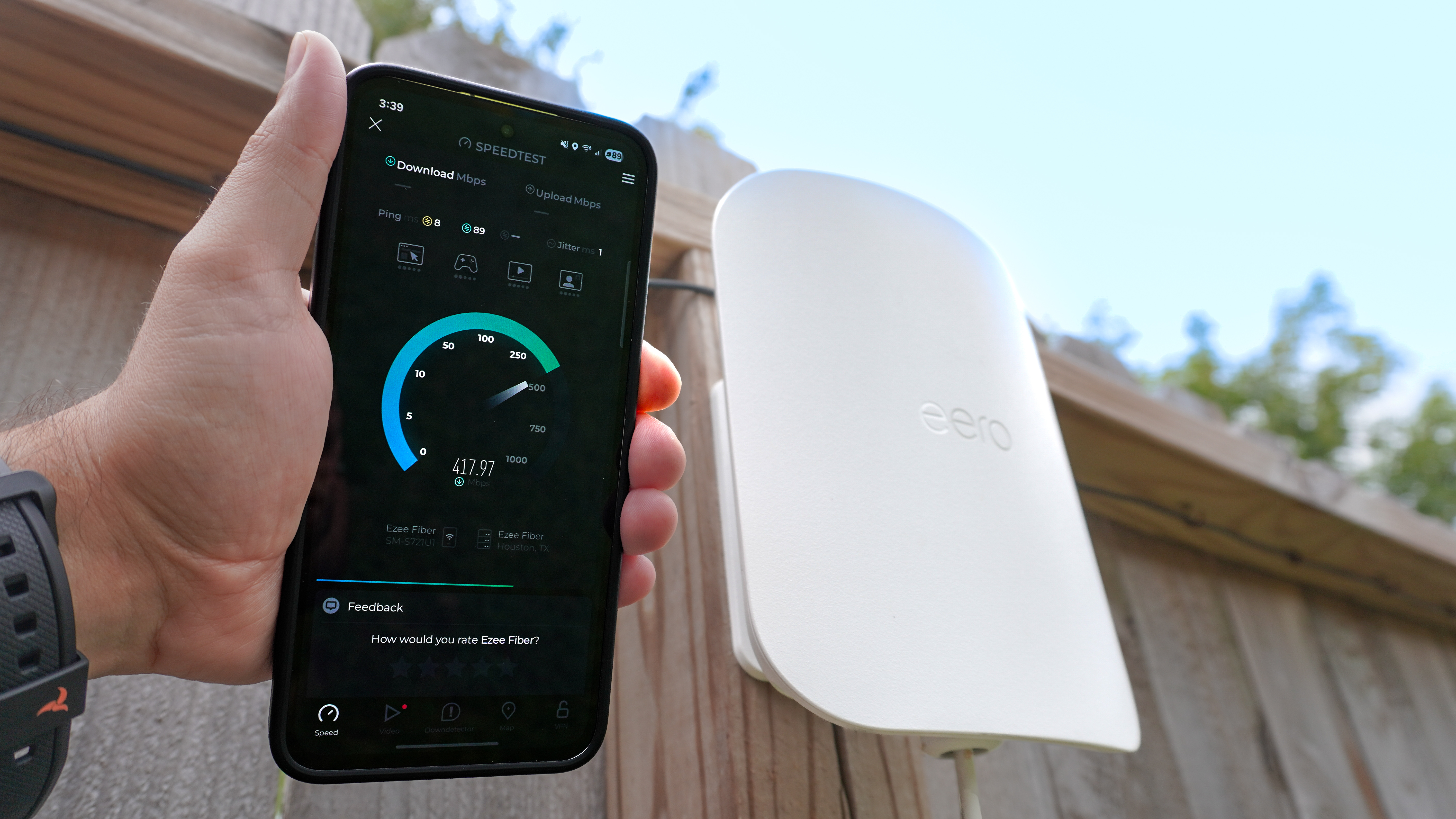
Choosing the right tools is essential for reliable speed tests. We used popular apps like Speedtest by Ooklaand Fast.combecause they offer consistent results and easy-to-read data.
Each app measures download speed, upload speed, and latency, giving a full picture of your Wi-Fi performance. Have you noticed how some apps show wildly different numbers? That’s why testing with multiple apps helps avoid misleading conclusions.
Test Locations And Conditions
Speed can vary dramatically depending on where you test. We conducted tests in various spots: next to the router, a few rooms away, and outside the building.
Environmental factors like walls, interference from other devices, and distance matter a lot. Testing under these conditions mimics how you actually use your phone router daily. What’s the point of a fast connection if it drops as soon as you move?
Data Collection Process
We ran multiple tests throughout the day to capture different network loads. Each test lasted about 30 seconds, and we repeated it at least five times per location.
All results were logged and averaged to smooth out any spikes or drops. This approach ensures you get a balanced view of your Wi-Fi speed, not just the best or worst moments.
Credit: www.tomsguide.com
Test Results Analysis
Testing the Wi-Fi speed on a phone router reveals how well it performs in real use. The results show strengths and weaknesses across different aspects of connectivity. This analysis breaks down key performance areas to help you understand what to expect from a phone router’s Wi-Fi.
Download Speeds
Download speed measures how fast data reaches your device. Phone routers often provide solid download speeds, enough for streaming and browsing. Speeds usually range from 20 Mbps to over 100 Mbps, depending on the network and location. This range suits everyday tasks and light media use well.
Factors like signal strength and network congestion can affect download speeds. Stronger signals yield faster downloads, while many users sharing the network may slow it down.
Upload Speeds
Upload speed shows how quickly your device sends data to the internet. Phone routers offer decent upload rates, often slightly lower than download speeds. Typical upload speeds fall between 10 Mbps and 50 Mbps. These speeds support video calls, photo uploads, and cloud backups.
Upload performance remains steady unless signal issues arise. Consistent upload speeds help with smooth communication and file sharing.
Latency And Stability
Latency is the delay before data starts to transfer. Phone routers generally have low latency, around 30 to 70 milliseconds. This supports responsive browsing and gaming. Stability depends on the network signal and device quality.
Stable connections maintain steady speed without sudden drops. Phone routers show some fluctuations but remain reliable for daily use.
Comparison With Traditional Routers
Traditional routers often deliver higher speeds and better range. They connect through fixed broadband, which tends to be faster and more stable. Phone routers rely on mobile networks, which vary by location.
- Traditional routers can exceed 300 Mbps download speeds.
- Phone routers usually offer more portability at the cost of speed.
- Range is stronger in traditional routers due to advanced antennas.
- Phone routers excel in convenience and easy setup.
Choosing between them depends on your need for speed versus mobility.
Improving Phone Router Speeds
Wi-Fi speed on a phone router depends on network type and signal strength. Stronger signals deliver faster internet for smoother browsing and streaming. Adjusting router placement can help improve connection quality and speed.
Improving Phone Router Speeds Is your phone router leaving you frustrated with sluggish Wi-Fi speeds? You’re not alone. Many users find themselves grappling with slow connections, especially in areas with heavy traffic or multiple devices. Thankfully, there are practical steps you can take to give your Wi-Fi a speed boost. Let’s explore some effective methods to enhance your phone router’s performance.Optimizing Settings
Your router’s settings can significantly impact its speed. Start by logging into your router’s admin panel. Adjusting the Quality of Service (QoS) settings can prioritize bandwidth for crucial activities like streaming or gaming. Disable any unused features or services that might be hogging bandwidth. Have you ever noticed a significant speed bump just by changing a simple setting? It can be an eye-opener!Choosing The Right Network Bands
Most modern routers offer dual-band or even tri-band options. Switching between 2.4GHz and 5GHz bands can make a noticeable difference. The 2.4GHz band offers broader coverage but might be slower due to interference. In contrast, the 5GHz band delivers faster speeds with less interference, ideal for high-demand activities. Have you experimented with different bands to see which suits your needs best?Using External Antennas
External antennas can significantly improve your router’s range and speed. Check if your router supports external antennas, and consider investing in high-gain models. Placement is crucial—position them strategically to cover dead zones. Have you ever tried placing an antenna in your living room, only to find your backyard suddenly has blazing-fast Wi-Fi? Little changes can yield surprising results.Firmware Updates
Outdated firmware can be a hidden speed killer. Regularly check for firmware updates from your router’s manufacturer. These updates often include performance enhancements and security patches. Updating might seem tedious, but have you noticed how a simple update can transform your Wi-Fi experience? It’s like giving your router a fresh start. Improving your phone router speeds doesn’t require a tech genius. With a few tweaks here and there, you can enjoy faster and more reliable Wi-Fi. What strategies have you tried to enhance your router’s performance?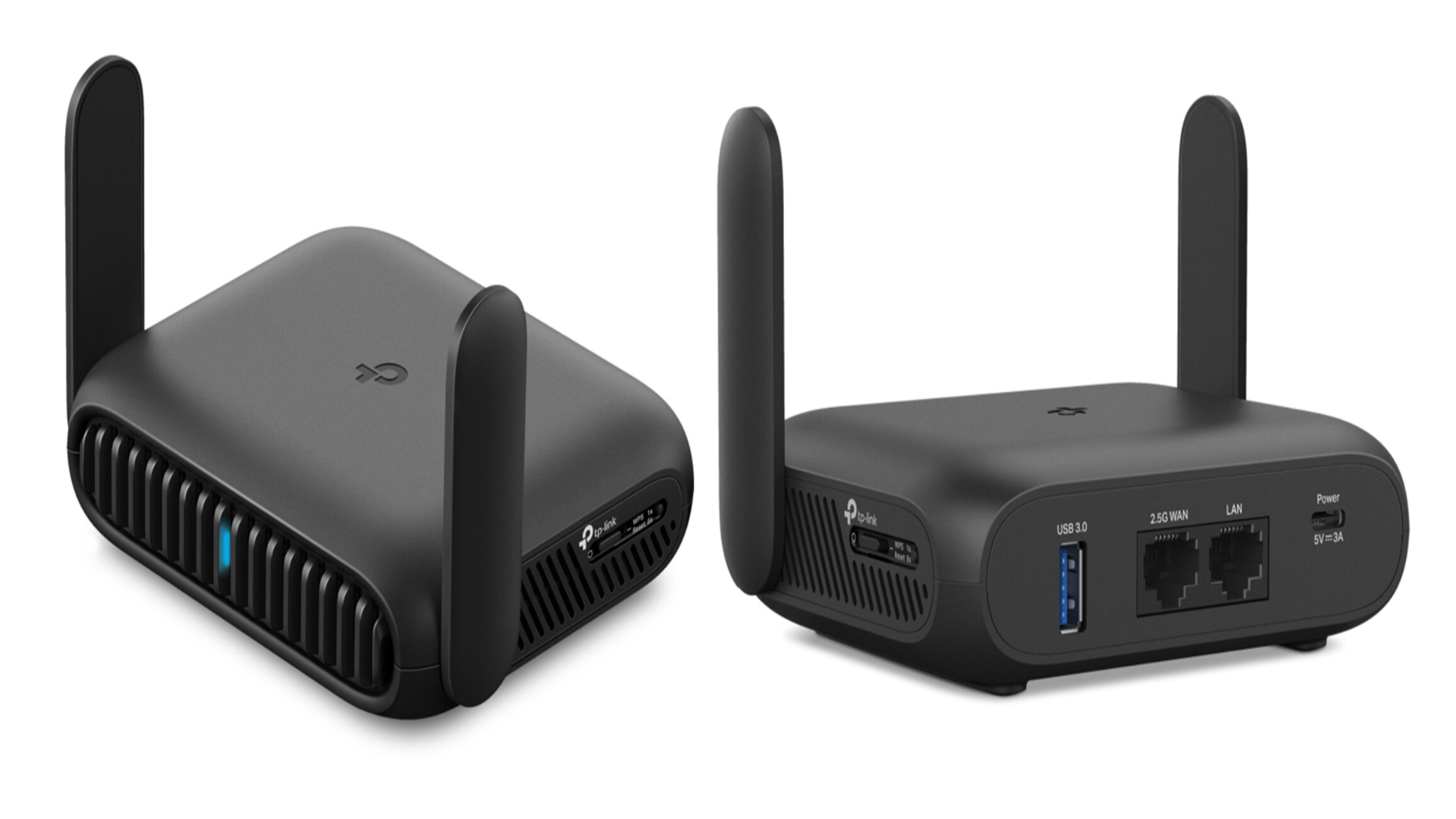
Credit: www.techradar.com
Future Trends In Mobile Wi-fi
The future of mobile Wi-Fi holds exciting possibilities. Technology keeps evolving fast. New standards and features aim to boost speed and reliability. Phone routers will soon offer even better connections. Expect smoother streaming, quicker downloads, and stronger signals.
Mobile Wi-Fi will become smarter and safer. It will support more devices and handle busy networks easily. Let’s explore key trends shaping mobile Wi-Fi’s future.
5g Integration
5G technology will change mobile Wi-Fi drastically. Phone routers with 5G can deliver ultra-fast internet. Speeds will reach several gigabits per second. Latency will drop, making real-time apps smoother. More devices will connect without slowdowns. 5G routers will support smart homes and offices better.
Wi-fi 6 And Beyond
Wi-Fi 6 improves speed, range, and efficiency. It manages multiple devices with less interference. Future versions like Wi-Fi 6E and Wi-Fi 7 will push limits further. They use new frequency bands for faster data flow. These advances reduce congestion in crowded places. Mobile routers will handle many users with ease.
Enhanced Security Features
Security is vital for mobile Wi-Fi users. New routers will include stronger encryption methods. They will protect data from hackers and spying. Automatic updates will keep routers safe from threats. User-friendly settings will help people secure their networks. Enhanced security builds trust in mobile internet use.

Credit: www.facebook.com
Frequently Asked Questions
What Factors Affect Wi-fi Speed On A Phone Router?
Wi-Fi speed depends on router type, signal strength, network congestion, and device compatibility. Environmental interference and distance also impact speed.
How Fast Can 5g Phone Routers Stream Videos?
5G phone routers can deliver speeds up to 1 Gbps, enabling smooth 4K video streaming and fast downloads.
Does Wi-fi Frequency Band Impact Phone Router Speed?
Yes, 5 GHz bands offer faster speeds but shorter range, while 2. 4 GHz bands provide wider coverage with slower speeds.
Can Multiple Devices Slow Down Phone Router Wi-fi?
Yes, connecting many devices shares bandwidth, which can reduce overall Wi-Fi speed and cause network delays.
Conclusion
Phone router Wi-Fi speeds depend on many factors. Signal strength, device type, and location all affect performance. Newer routers usually offer faster connections. Remember, real-world speeds can vary from the advertised ones. Choose a phone router that fits your needs and budget.
Test your connection regularly to ensure good speed. A stable Wi-Fi connection makes browsing and streaming easier. Simple steps can improve your Wi-Fi speed at home or on the go. Stay informed to get the best from your phone router’s Wi-Fi.