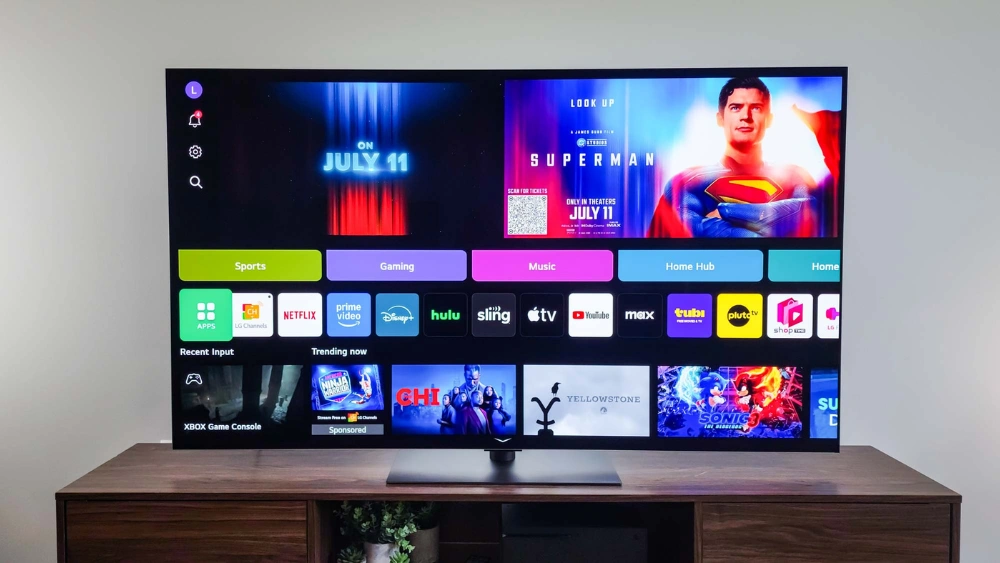
Are you wondering if you can watch Hulu in stunning 4K on your Samsung Smart TV? You want the best picture quality to make your favorite shows and movies come alive.
But does Hulu support 4K streaming on Samsung’s platform? This question matters because your viewing experience depends on it. Keep reading to discover the truth about Hulu 4K on Samsung Smart TVs and how you can get the most out of your setup.
Your next binge-watch session could look better than ever.
Hulu 4k Availability
Hulu has expanded its streaming quality to include 4K Ultra HD. This offers sharper images and vibrant colors. Many users wonder if Hulu 4K is available on Samsung Smart TVs. Understanding Hulu 4K availability helps set the right expectations for your viewing experience.
Supported Devices
Hulu 4K streaming works on specific devices. These include:
- Roku Streaming Stick 4K
- Amazon Fire TV Stick 4K
- Apple TV 4K
- Xbox Series X and S
- Certain smart TVs with updated apps
Not all devices support Hulu’s 4K content yet. Check your device’s specifications for 4K support.
Samsung Smart Tv Compatibility
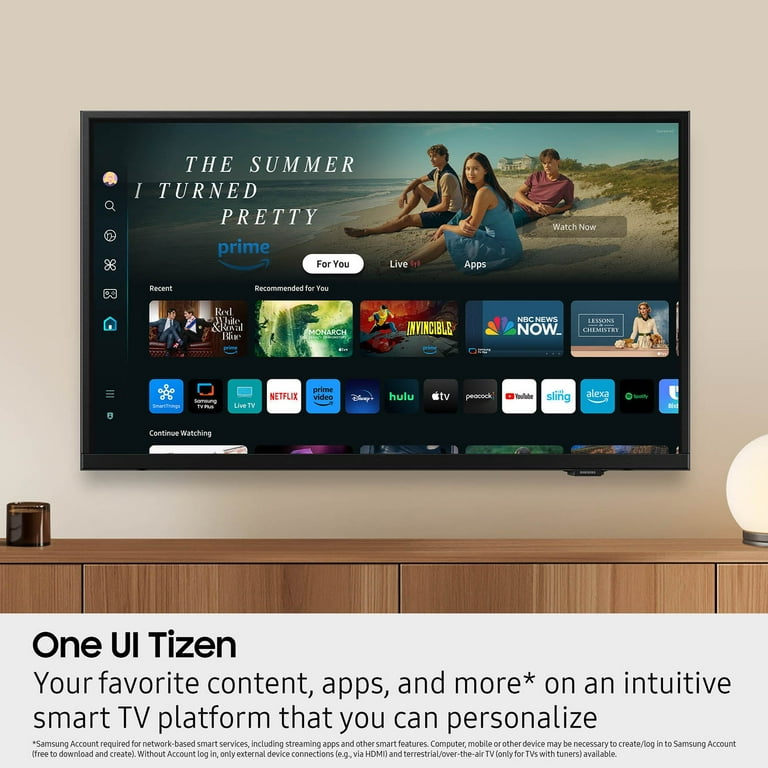
Samsung Smart TVs have varying support for Hulu 4K. Generally, 2018 and newer models with Tizen OS support 4K streaming. Make sure your TV’s Hulu app is updated to the latest version. Some older Samsung TVs may only stream in HD or Full HD.
Samsung QLED and Neo QLED series are more likely to support Hulu 4K. Regular software updates from Samsung improve compatibility over time.
Content In 4k
Hulu offers a growing library of 4K content. This includes popular shows, movies, and Hulu Originals. Titles in 4K are marked clearly within the app. Streaming 4K content requires a strong internet connection, typically 25 Mbps or higher.
Not all Hulu content is available in 4K. Check each show or movie’s details to confirm 4K availability before streaming.
Credit: www.msn.com
Setting Up Hulu On Samsung Smart Tv
Setting up Hulu on your Samsung Smart TV is simple and quick. It allows you to enjoy your favorite shows and movies in high quality. This guide helps you get Hulu ready on your TV and explains what you need for 4K streaming.
Installing The Hulu App
Turn on your Samsung Smart TV and connect it to the internet. Open the Smart Hub by pressing the Home button on your remote. Use the search function to find the Hulu app. Select the Hulu app and click Install. Wait a few moments for the app to download and install on your TV. Once installed, open the app from the Home screen to start the setup process.
Account Requirements
To use Hulu on your Samsung TV, you need an active Hulu account. If you don’t have one, visit Hulu’s website to sign up. Use a valid email address and create a strong password. You must verify your email to activate the account. After logging in, you can access Hulu content on your TV immediately.
Subscription Plans With 4k Access
Not all Hulu plans support 4K streaming. Check the available subscription plans carefully. The Hulu + Live TV plan offers 4K content for some shows and movies. The Hulu (No Ads) plan also includes select 4K titles. Make sure your plan includes 4K streaming before expecting ultra-high-definition quality.
- Hulu (No Ads): Select 4K shows and movies
- Hulu + Live TV: 4K content available in some live and on-demand titles
- Basic Hulu Plan: Does not support 4K streaming
Optimizing Streaming Quality
Optimizing your Hulu 4K streaming experience on a Samsung Smart TV is key to enjoying crystal-clear picture quality without interruptions. Small tweaks in your setup can make a big difference in how smoothly your favorite shows and movies play. Let’s look at how you can ensure the best possible streaming performance right from your living room.
Internet Speed Recommendations
Your internet speed plays a crucial role in streaming 4K content. Hulu recommends at least 25 Mbpsfor 4K streaming to avoid lag and buffering. If your connection is slower, you might notice pixelation or pauses during playback.
Check your current internet speed using free tools like Speedtest.net. If your speed is below 25 Mbps, consider upgrading your plan or connecting your Samsung TV directly to the router via Ethernet for a more stable connection.
Adjusting Streaming Settings
Hulu allows you to adjust video quality settings, which can help if your internet fluctuates. On your Samsung Smart TV, go to Hulu’s settings and select “Data Saver”or “Auto”to balance quality and performance.
Sometimes, manually setting the stream to “Best Quality”can improve visuals but requires a stronger connection. Experiment with these settings to find what works best for your setup and avoids constant buffering.
Troubleshooting Buffering Issues
If buffering interrupts your binge sessions, try closing other apps running on your Samsung TV to free up processing power. Restart your router and TV to clear temporary glitches that may slow down streaming.
Additionally, clear Hulu’s app cache via your TV’s settings menu. This simple step often resolves loading problems and improves responsiveness.
Ask yourself: Have you noticed better streaming after cutting down on connected devices or switching to an Ethernet cable? Small changes like these can have a surprising impact on your Hulu 4K viewing experience.

Credit: www.facebook.com
Comparing Hulu 4k With Other Platforms
Comparing Hulu’s 4K streaming on Samsung Smart TVs with other major platforms helps you understand what each service offers in terms of picture quality, content variety, and user experience. If you’re aiming for the best visual experience, knowing how Hulu stacks up against giants like Netflix, Amazon Prime Video, and Disney+ can guide your streaming choices.
Netflix 4k On Samsung Tvs
Netflix supports 4K Ultra HD streaming on most Samsung Smart TVs, delivering vibrant colors and sharp details. To access Netflix in 4K, you need the Premium plan, which also allows streaming on up to four devices simultaneously.
The platform offers a vast library of original shows and movies in 4K, including popular titles like Stranger Thingsand The Witcher. Netflix also supports HDR formats such as HDR10 and Dolby Vision, enhancing the picture quality further.
Compared to Hulu, Netflix’s 4K content library is larger and more diverse. Are you looking for both quantity and quality in your 4K streaming?
Amazon Prime Video 4k
Amazon Prime Video provides 4K Ultra HD streaming on Samsung Smart TVs without extra cost beyond the Prime membership. Many movies and shows are available in 4K, including some exclusive titles.
Amazon supports HDR10, HDR10+, and Dolby Vision, which means better contrast and color accuracy if your TV supports these formats. However, the 4K content library isn’t as extensive as Netflix’s.
One advantage is that you can rent or buy 4K movies not included with Prime, giving you more options. Would you prefer a platform that mixes subscription content with purchase options?
Disney+ 4k
Disney+ shines in 4K streaming on Samsung Smart TVs, especially for fans of franchises like Marvel, Star Wars, and Pixar. Most original series and new movie releases are available in 4K with HDR10 and Dolby Vision support.
The platform’s 4K catalog might be smaller than Netflix but focuses heavily on high-profile, family-friendly content. If you enjoy blockbuster hits and animated classics in stunning detail, Disney+ might be perfect for you.
Considering your favorite content genres, do you value a focused selection of 4K titles or a broader library?
Future Of Hulu Streaming
The future of Hulu streaming promises exciting advancements. With technology evolving, Hulu aims to enhance viewer experiences. Samsung Smart TVs offer a platform for these improvements.
Upcoming Features
Hulu is set to introduce new features. Enhanced navigation tools will make browsing easier. Improved search capabilities will help find shows faster. Personalized recommendations will cater to individual tastes. These features enhance user engagement and satisfaction.
Expanding 4k Content Library
Hulu’s 4K content library is growing rapidly. More shows and movies are available in stunning resolution. Viewers can enjoy crisp visuals and vibrant colors. The library expansion offers diverse viewing options. It caters to varied tastes and preferences.
Samsung Smart Tv Updates
Samsung Smart TVs are updating to support Hulu’s advancements. Software updates improve streaming quality. Compatibility enhancements ensure seamless viewing experiences. New features integrate smoothly with Hulu’s offerings. These updates optimize performance on Samsung devices.
Credit: www.walmart.com
Frequently Asked Questions
Does Hulu Support 4k Streaming On Samsung Smart Tvs?
Yes, Hulu offers 4K streaming on select Samsung Smart TVs. However, 4K content availability depends on the show or movie.
Which Samsung Smart Tvs Are Compatible With Hulu 4k?
Samsung Smart TVs from 2018 or later generally support Hulu 4K. Ensure your TV has the latest Hulu app version installed.
How To Enable 4k Streaming On Hulu For Samsung Tvs?
To stream in 4K, use a strong internet connection above 16 Mbps. Also, select 4K content and adjust Hulu’s video quality settings.
Can I Watch Live Tv In 4k On Hulu With Samsung Tvs?
Currently, Hulu Live TV does not support 4K streaming on Samsung Smart TVs. Only on-demand 4K content is available.
Conclusion
Hulu supports 4K streaming on select Samsung Smart TVs. Not all shows or movies are available in 4K quality. Your internet speed also affects streaming performance. To enjoy the best picture, use a strong Wi-Fi or wired connection. Check your Samsung TV model for 4K compatibility with Hulu.
This helps you know what to expect from your viewing experience. Overall, Hulu 4K on Samsung Smart TVs offers clear and sharp images for many titles. Keep these points in mind for smooth, high-quality streaming at home.