
Are you wondering if building your own PC can save you money? It’s a question many tech lovers ask before diving into the world of custom computers.
You might think buying a ready-made system is easier, but what if building your own could not only fit your exact needs but also cost less? You’ll discover the real costs behind building versus buying. By the end, you’ll know exactly where your money goes and how to make the smartest choice for your budget.
Keep reading—you might be surprised by what you learn.
Cost Factors In Pc Building
Understanding the cost factors in building your own PC can help you decide if this route is truly cheaper than buying a pre-built system. The price you pay depends on several elements, from the individual parts you choose to unexpected expenses that might pop up. Let’s break down these cost factors so you can make informed decisions and avoid budget surprises.
Component Prices Explained
Each component in a PC has its own price range, and these prices fluctuate based on demand, technology updates, and availability.
- Processors:Prices vary widely depending on power and generation. A high-end CPU can cost hundreds, while budget models are much cheaper.
- Graphics Cards:These are often the priciest parts, especially with the latest models in demand.
- Memory and Storage:RAM and SSD prices have become more affordable but can add up if you want larger capacities.
- Motherboards:The cost depends on features like connectivity options and build quality.
Knowing where to spend and where to save is key. For example, if you mostly browse and work on documents, you might not need the latest GPU, which saves money.
Brand Vs Generic Parts
Choosing between well-known brands and generic or lesser-known parts affects both cost and reliability.
- Brand-name componentsoften come with better warranties and proven performance but usually carry a premium price.
- Generic partscan be cheaper and sometimes perform adequately for basic tasks but may lack durability or cause compatibility issues.
I once built a PC using a generic power supply to cut costs, but it failed after a year, forcing me to replace it sooner than expected. Have you considered how much risk you’re willing to take with cheaper parts?
Hidden Expenses
Beyond parts, hidden expenses can sneak up and push your budget higher than expected.
- Tools:You might need screwdrivers, thermal paste, or anti-static gear if you don’t already own them.
- Software:Operating systems and antivirus programs can add extra costs unless you use free alternatives.
- Shipping and Taxes:Buying parts online sometimes involves shipping fees and taxes that can add up.
- Compatibility issues:If parts don’t work well together, you might spend more on replacements or upgrades.
Have you factored in these hidden costs before starting your build? Overlooking them can turn a seemingly cheap build into an expensive project.
Prebuilt Pc Cost Analysis
Understanding the cost of prebuilt PCs is essential before deciding if building your own is truly cheaper. Prebuilt machines come with various price tags influenced by the components, services, and guarantees bundled into the package. Let’s break down the costs and factors involved to help you see where your money goes.
Price Range Overview
Prebuilt PCs vary widely in price, typically starting around $400 for basic models and climbing past $2,000 for high-performance gaming or workstation setups.
Entry-level desktops often include lower-tier processors and limited RAM, making them suitable for everyday tasks but not for heavy workloads.
Mid-range options usually balance price and performance, targeting casual gamers or creative users.
High-end prebuilts come with powerful CPUs, GPUs, and extra features like liquid cooling, but the price jump can be steep compared to buying parts yourself.
Included Services And Warranties
One big advantage of buying a prebuilt PC is the convenience of bundled services. Most come with technical support and a warranty covering hardware failures for at least one year.
This can save you time and stress if something breaks or doesn’t work as expected. You won’t need to hunt down individual warranties for each component.
Some manufacturers also offer on-site repairs or free shipping for returns, which might be worth the extra cost for you if you prefer hassle-free maintenance.
Customization Limitations
While prebuilt PCs offer quick setup, customization is often limited. You usually choose from preset configurations with fixed components.
This means you might pay for parts you don’t really need or miss out on specific upgrades you want. For example, a prebuilt might include extra RGB lighting or a bigger case that adds cost but doesn’t improve performance.
Have you ever felt stuck picking between “good enough” options instead of tailoring exactly what fits your use? That’s a common challenge with prebuilts, potentially leading to less value for your money.
Diy Pc Building Savings
Building your own PC can lead to significant savings. It’s a rewarding experience that offers financial benefits. With the right approach, you can cut costs while getting a tailored system.
Buying Parts Individually
Purchasing components separately often saves money. You can find deals on individual parts. This allows you to skip the markup on pre-built systems. Choose components that fit your budget and needs.
Look for sales and discounts. Many stores offer competitive prices. Watch for clearance items to reduce costs. Buying parts individually gives control over spending.
Cost Benefits Of Upgrading
Upgrading parts is cheaper than buying a new PC. Replace outdated components instead of the entire system. This extends the life of your computer.
Focus on upgrading key parts. Graphics cards and RAM are good options. These upgrades boost performance without excessive costs. Regular updates keep your system efficient.
Avoiding Unnecessary Features
Pre-built PCs often include features you don’t need. Building your own lets you choose essentials. Skip extras that increase the price.
Identify what features are important. Choose components that meet your requirements. Avoiding unnecessary features saves money and simplifies your setup.
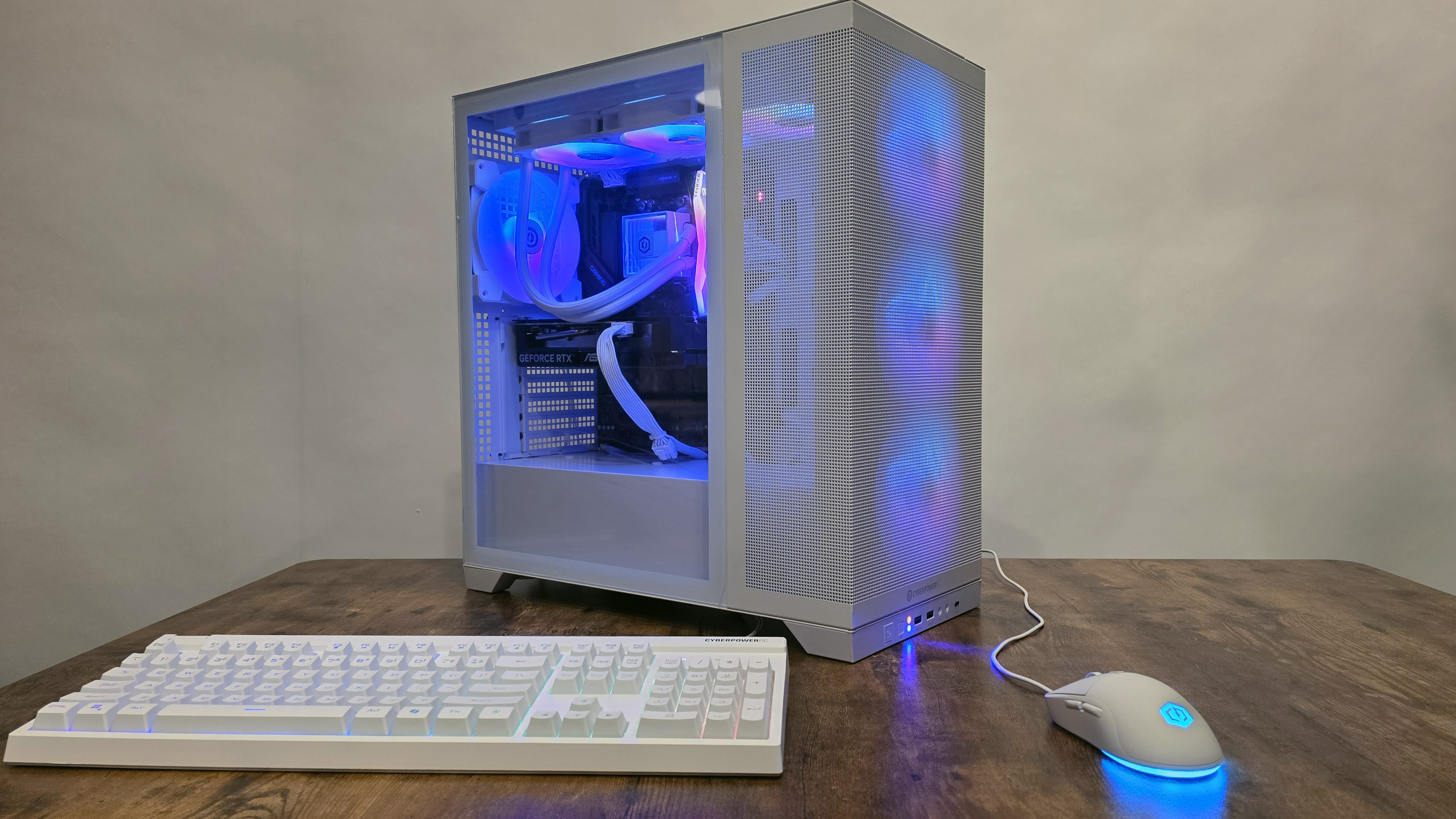
Credit: www.tomshardware.com
Time And Effort Considerations
Building your own PC takes more than just money. Time and effort play big roles too. It is important to think about these factors before starting. You may save cash, but you will spend hours on tasks that need focus and patience. Understanding the time needed helps set clear expectations.
Assembly Time Investment
Putting parts together is not quick. It can take several hours, especially for beginners. Each component must fit perfectly to avoid damage. Careful handling and reading manuals add to the time. Rushing can cause mistakes that cost more later.
Troubleshooting Challenges
Problems often happen during or after assembly. Identifying the cause takes skill and patience. Faulty parts or wrong connections need fixing. This process can take hours or even days. Being ready for these setbacks avoids frustration.
Learning Curve Impact
Building a PC requires new knowledge and skills. Learning about parts, compatibility, and installation is essential. It takes practice to gain confidence and speed. Mistakes teach valuable lessons but slow progress. The learning curve can be steep for first-timers.
Long-term Financial Impact
Considering the long-term financial impact reveals costs beyond the initial purchase. Building your own PC often changes how you spend money on repairs, upgrades, and resale. These factors influence overall savings and value over time.
Repair And Maintenance Costs
Custom-built PCs allow easier repairs. Individual parts can be replaced without buying a whole system. This often lowers maintenance expenses. Pre-built PCs may require costly service or full replacement of components.
DIY builds give control over component quality. Choosing reliable parts can reduce breakdowns. This saves money on repairs in the long run.
Upgrade Flexibility
Building your own PC offers upgrade freedom. You can swap out parts as needed, extending the system’s life. This avoids buying a new computer frequently.
Pre-built PCs may have limited upgrade options. Some parts might be proprietary or hard to replace. This can increase expenses over time.
Resale Value Differences
Custom PCs often retain value better. Buyers appreciate quality parts and upgrade potential. This can lead to higher resale prices.
Pre-built systems may lose value quickly. Brand-name models depreciate faster due to limited customization. Selling a DIY PC often recoups more of your original investment.
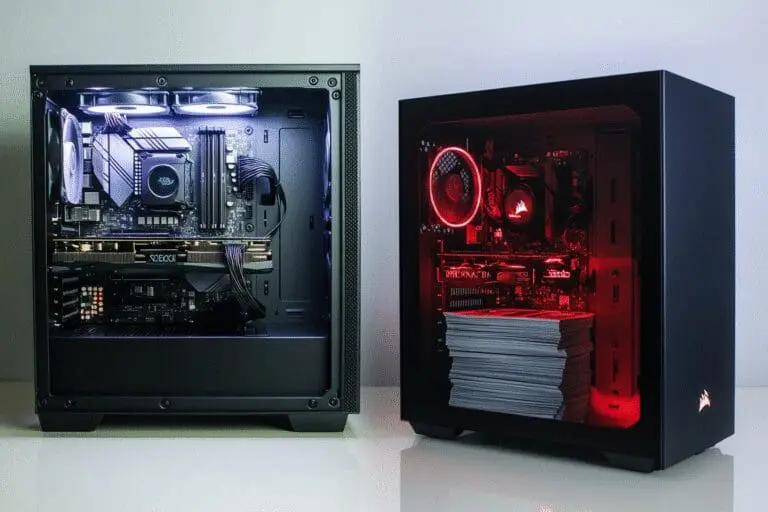
Credit: egamer.com
Best Strategies To Save Money
Saving money while building your own PC takes careful planning. It requires smart choices in buying parts and timing your purchases. Some small actions can lead to big savings without lowering the quality of your build. Focus on strategies that help you get the best value for every dollar spent.
Smart Shopping Tips
Compare prices from different stores before buying. Use price tracking websites to spot the best deals. Buy parts during sales seasons like Black Friday or holiday events. Consider buying some used parts that are still in good condition. Read reviews to avoid low-quality items that waste your money.
Choosing Compatible Parts
Select parts that work well together to avoid extra costs. Check motherboard, CPU, and RAM compatibility carefully. Pick components that meet your needs without overspending on features you won’t use. Avoid buying the latest models if previous versions perform well and cost less.
Utilizing Deals And Discounts
Sign up for newsletters to get exclusive discounts. Use coupons or promo codes at checkout. Join online forums where members share current deals. Look for bundle offers that combine multiple parts at a lower price. Take advantage of cashback programs to save more money.
Credit: www.geekom.co.uk
Frequently Asked Questions
Is Building A Pc Cheaper Than Buying Pre-built?
Building a PC often costs less than buying pre-built models. You can choose affordable parts and avoid unnecessary features. However, prices vary based on components and market trends. DIY builds usually offer better value and customization, making them cost-effective for many users.
What Parts Affect The Cost Of A Diy Pc?
The CPU, GPU, and motherboard significantly impact the total cost. RAM, storage, and power supply also influence the budget. Choosing mid-range components helps keep costs down. High-end parts increase expenses but improve performance. Balancing quality and price is key to affordable builds.
Can I Save Money By Reusing Pc Parts?
Yes, reusing parts like hard drives, cases, or power supplies can reduce costs. Ensure compatibility with new components to avoid issues. Reusing parts helps save money and reduces electronic waste. However, check the condition and performance before reuse for reliability.
Are There Hidden Costs In Building Your Own Pc?
Yes, hidden costs include tools, software, and shipping fees. You might also spend money on troubleshooting or upgrades. Time investment is another factor to consider. Planning your build carefully minimizes unexpected expenses and ensures a smoother experience.
Conclusion
Building your own PC can save money but requires time and effort. You choose parts that fit your needs and budget. This way, you avoid paying extra for unwanted features. Yet, mistakes can happen, which may cost more later. Learning basic skills helps avoid common problems.
It also gives a sense of satisfaction and control. Compare prices carefully before buying any parts. Decide based on your comfort with technology and your budget. DIY PC building can be cheaper, but it is not always simple.