
If you want to boost your home audio experience, connecting your Sony subwoofer to your soundbar is the best way to do it. But sometimes, figuring out how to link these two devices can feel tricky and confusing.
Don’t worry—you’re in the right place. You’ll learn simple, step-by-step instructions to make the connection smooth and fast. Imagine feeling every beat and bass drop like never before, right in your living room. Keep reading, and you’ll be enjoying powerful, rich sound in no time.
Credit: onsme.medium.com
Check Compatibility
Before you try to connect your Sony subwoofer to your soundbar, it’s crucial to check if both devices are compatible. Compatibility ensures the connection will work smoothly and you get the best sound experience. Skipping this step could lead to frustration or even damage to your equipment.
Identify Soundbar Model
Start by finding the exact model number of your soundbar. You can usually find this on the back of the device or in the user manual. Knowing the model helps you look up specific connection options and supported features.
Have you ever tried to connect devices without checking the model first? It often leads to confusion over ports or settings. Taking a moment to identify your soundbar model saves time and effort.
Confirm Subwoofer Compatibility
Next, verify if your Sony subwoofer is compatible with your soundbar. Most Sony soundbars work best with Sony subwoofers designed for the same series. Check the subwoofer’s model and review the manufacturer’s guidelines to confirm compatibility.
Look for details like wireless frequency, connector type, and supported audio formats. For example, a wireless subwoofer might only pair with certain soundbar models. If your subwoofer uses a wired connection, ensure your soundbar has the right input.
Ask yourself: does your setup support wireless or wired connections? Confirming this avoids unnecessary purchases or technical headaches. Compatibility is the foundation for a seamless, rich bass experience.
Gather Necessary Equipment
Connecting your Sony subwoofer to a soundbar can elevate your audio experience, but before diving into the setup process, gathering the necessary equipment is essential. Think of it as preparing for a journey; every component plays a crucial role in ensuring a smooth and successful connection. The right cables, adapters, and power sources will make your setup efficient and hassle-free. Let’s explore what you need to make this audio connection seamless.
Required Cables And Adapters
Start by checking the compatibility between your subwoofer and soundbar. Does your soundbar support wired or wireless connections? If it’s wired, you’ll need an audio cable, typically an RCA or optical cable. These cables transmit sound signals effectively, ensuring you experience rich bass tones.
If your devices support wireless connectivity, a Bluetooth adapter might be required. This allows for a clutter-free setup and easy connection without dealing with tangled wires. Always choose high-quality cables and adapters to maintain sound clarity and minimize signal loss. Have you ever experienced low-quality sound due to poor cables? It’s a lesson learned the hard way!
Power Source And Placement
Next, consider the power source for your subwoofer. Ensure you have the appropriate power cable and an accessible outlet. Sometimes, finding the right spot for your subwoofer can be challenging. Its placement impacts sound quality significantly.
Experiment with different locations in your room to find the sweet spot. Is there a corner that amplifies the bass more effectively? Placing your subwoofer near a wall often boosts sound resonance. Also, ensure that your soundbar and subwoofer are close enough to connect easily. Does your setup allow for easy access to power outlets? It’s a detail often overlooked but crucial for uninterrupted sound.
Prepare The Devices
Preparing your Sony subwoofer and soundbar is the first step for a seamless connection. This phase ensures safety and prevents any damage during setup. It also helps you identify the right ports and cables needed for a strong link between devices.
Turn Off Soundbar And Subwoofer
Always power off both the soundbar and subwoofer before connecting them. This protects the devices from electrical surges. Unplug them from the power source to be extra safe. Handling cables or ports while devices are on can cause damage.
Locate Connection Ports
Find the connection ports on both devices next. The subwoofer usually has an audio input or wireless sync button. The soundbar may have a subwoofer out port or a wireless pairing option. Check the user manuals to confirm port types and locations.
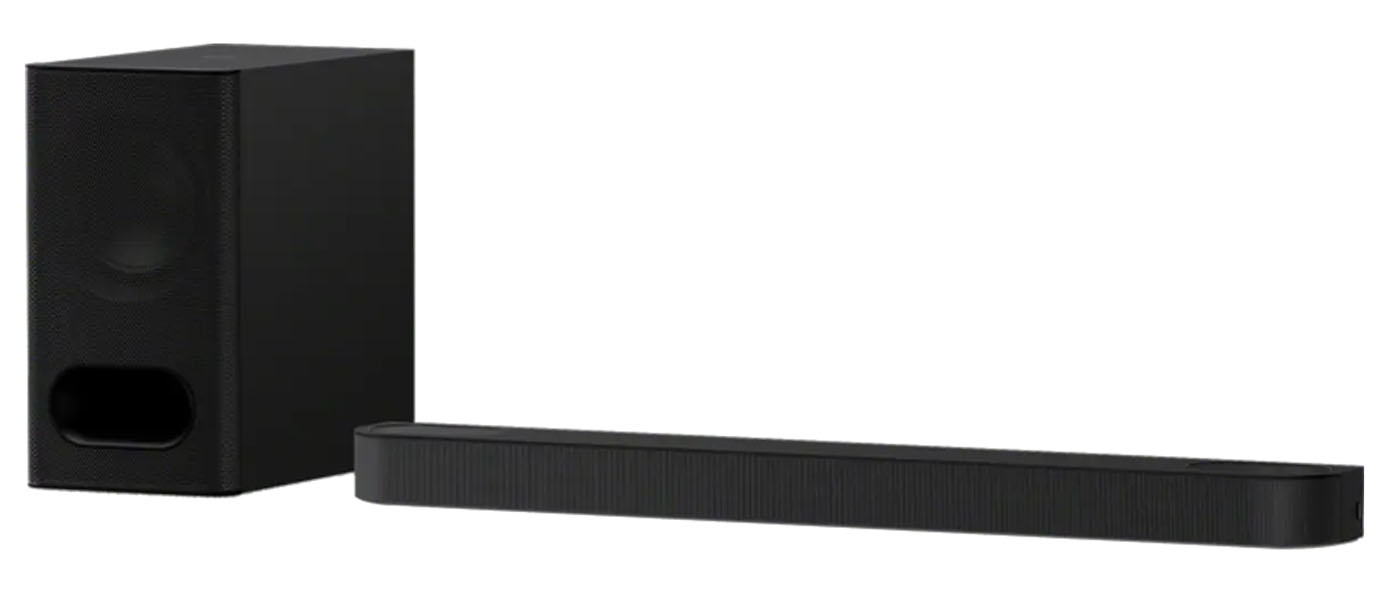
Credit: hometheaterhifi.com
Connect Using Wireless Method
Connecting your Sony subwoofer to a soundbar wirelessly removes the hassle of extra cables. It allows you to enjoy deep bass without clutter. Most Sony soundbars and subwoofers support this wireless connection, making setup simple and neat.
Follow clear steps to pair the devices and ensure a strong connection. Wireless linking offers flexibility in placing your subwoofer for the best sound experience.
Pair Subwoofer With Soundbar
Start by powering on both the soundbar and subwoofer. Keep them close to each other during pairing.
- Press the “Pair” or “Wireless” button on the subwoofer. The light will blink to show it’s ready.
- On the soundbar remote, press the “Pair” or “Subwoofer” button. The devices will search for each other.
- Wait until the blinking light becomes solid. This means the subwoofer is connected.
- If no button exists, check the manual for specific pairing instructions.
Once paired, the subwoofer will connect automatically each time you turn on the soundbar.
Troubleshooting Wireless Connection
Sometimes the connection may fail or drop. Try these tips to fix common issues:
- Move the subwoofer closer to the soundbar to improve signal strength.
- Ensure no large objects block the signal between devices.
- Restart both devices by unplugging them for 10 seconds and plugging back in.
- Check if other wireless devices cause interference and turn them off temporarily.
- Reset the subwoofer and repeat the pairing process.
- Update firmware if the soundbar or subwoofer supports updates via app or USB.
Following these steps can restore a stable wireless connection quickly.
Connect Using Wired Method
Connecting a Sony subwoofer to a soundbar using a wired method ensures a stable and clear audio experience. This method uses physical cables to link the devices directly. It often delivers better sound quality and fewer interruptions than wireless options.
Before starting, check that both your soundbar and subwoofer have compatible ports. Most Sony soundbars and subwoofers include a dedicated subwoofer output or an audio input port for wired connection. Use the correct audio cable, usually an RCA or a subwoofer cable, to connect the two devices.
Attach Audio Cable To Soundbar
Locate the subwoofer output port on your soundbar. It is often labeled as “SUB OUT” or “LFE OUT”. Insert one end of the audio cable firmly into this port. Make sure the connection is secure to avoid audio dropouts.
Do not force the cable into the wrong port. Check the cable type matches the port size and shape. Keep the cable straight to prevent damage.
Connect Cable To Subwoofer
Find the audio input on the subwoofer. This port is usually labeled “LINE IN” or “INPUT”. Plug the other end of the audio cable into this port carefully. Ensure the connection is tight and stable.
Once connected, power on both devices. Adjust the subwoofer volume on your soundbar settings if needed. Test the audio to confirm the subwoofer is working properly.

Credit: mestores.com
Adjust Settings For Optimal Sound
Adjusting the settings on your soundbar and subwoofer improves audio quality. It helps balance bass and overall sound for clear, rich audio. Setting these controls correctly makes your listening experience better.
Access Soundbar Audio Settings
Find the soundbar remote or app to open audio settings. Look for options like “Sound,” “Audio,” or “Speaker Setup.” Use arrow keys to navigate and select the settings menu.
Explore these key settings:
- Speaker configuration
- Subwoofer connection status
- Equalizer or sound modes
Make sure the soundbar recognizes the subwoofer. Some models need a “Wireless Subwoofer” option turned on.
Set Subwoofer Volume And Crossover
Adjust the subwoofer volume to match your room size and personal taste. Start at a medium level and increase or decrease as needed. Avoid too much bass that overpowers other sounds.
Set the crossover frequency to control which sounds the subwoofer plays. This is the limit between low bass and mid frequencies. A typical range is 80-120 Hz.
Lower crossover means the subwoofer handles more bass. Higher crossover lets soundbar speakers play more mid-bass. Find the balance that sounds natural and clear.
Test And Fine-tune
After connecting your Sony subwoofer to the soundbar, testing and fine-tuning are essential. This step ensures the best sound quality and balance. It helps confirm that the subwoofer and soundbar work well together. Proper fine-tuning brings out deep bass and clear audio. Let’s explore how to test and adjust your setup for great sound.
Play Test Audio
Choose a track with rich bass and clear mid-tones. Use music, movies, or sound test files. Play the audio at a comfortable volume level. Listen carefully to the bass response and overall sound. Notice if the bass is too weak or too strong. Check for any distortion or uneven sound. This helps identify if adjustments are needed.
Make Final Adjustments
Use the soundbar or subwoofer settings to tweak bass levels. Adjust the subwoofer volume and crossover frequency if available. Move the subwoofer slightly to improve bass distribution. Avoid placing it too close to walls or corners. Test again after each change to hear the difference. Repeat until the sound feels balanced and clear. Fine-tuning creates a smooth, immersive audio experience.
Common Issues And Fixes
Connecting a Sony subwoofer to a soundbar can sometimes bring a few challenges. Troubleshooting common issues helps improve your audio experience quickly. Identifying problems early saves time and effort.
This section covers frequent problems and their easy fixes. Follow these tips to keep your system working smoothly.
No Sound From Subwoofer
Check if the subwoofer is powered on and properly connected. Loose cables often cause no sound issues.
- Ensure the power cord is plugged into a working outlet.
- Verify the wireless or wired connection between the subwoofer and soundbar.
- Confirm the subwoofer volume is not set to zero or muted.
- Make sure the soundbar settings allow subwoofer output.
- Try resetting both devices to factory settings to clear errors.
Testing with another audio source helps identify if the problem is with the subwoofer or soundbar.
Interference And Signal Loss
Wireless subwoofers can face interference from other devices. This reduces sound quality or causes dropouts.
- Keep the subwoofer away from Wi-Fi routers, cordless phones, and microwaves.
- Use a clear line of sight between the soundbar and subwoofer.
- Reduce distance between devices to improve signal strength.
- Change the wireless channel on your soundbar if possible.
- Check for physical obstacles that block signals and move the subwoofer if needed.
For wired connections, inspect cables for damage or loose connections. Replace faulty cables to restore signal quality.
Frequently Asked Questions
How Do I Connect A Sony Subwoofer To A Soundbar?
To connect a Sony subwoofer to a soundbar, use the wireless pairing button or a wired connection. Follow the soundbar’s manual for specific instructions to ensure a stable connection and optimal audio performance.
Can I Use Bluetooth To Link My Sony Subwoofer?
Most Sony subwoofers pair wirelessly via proprietary signals, not standard Bluetooth. Check your model’s manual for wireless setup instructions or use a wired connection if Bluetooth isn’t supported.
What Cables Are Needed For A Wired Subwoofer Connection?
Typically, an RCA cable or a dedicated subwoofer cable connects the subwoofer to the soundbar. Ensure both devices have compatible ports before purchasing cables for a wired setup.
Why Is My Sony Subwoofer Not Connecting To The Soundbar?
Check power, wireless pairing, and cable connections. Ensure both devices are on the same network or within range. Restarting the devices often resolves common connection issues.
Conclusion
Connecting your Sony subwoofer to a soundbar is simple and clear. Follow the steps carefully and check all cables fit well. The right connection improves your sound quality a lot. Enjoy deeper bass and better music or movie sounds. Take time to adjust settings for the best experience.
Now, you have a fuller, richer sound at home. Try it yourself and feel the difference.