
Have you ever wondered how much electricity your Wi-Fi router consumes? You might be surprised to learn that this small device, which keeps you connected all day, quietly uses power every second.
Understanding how much energy your router uses can help you save on your electricity bill and reduce your home’s overall energy footprint. You’ll discover the true power consumption of your Wi-Fi router and simple tips to make your home network more energy-efficient.
Keep reading—you might find that cutting down your router’s energy use is easier than you think.
Wi-fi Router Power Basics
Wi-Fi routers are essential devices in homes and offices. They connect multiple gadgets to the internet. Understanding their power usage helps manage electricity bills better. Many people wonder about the energy these routers consume daily. Knowing the basics of router power helps choose energy-efficient models and reduce waste.
Typical Power Consumption
Most Wi-Fi routers use between 5 and 20 watts of power. Small, basic models often consume about 6 watts. High-performance or gaming routers may use up to 20 watts. On average, a router running 24 hours a day uses about 0.12 to 0.48 kWh daily. This amount is small compared to other home appliances.
Factors Affecting Energy Use
Several factors impact how much power a router uses:
- Router Type:Older routers tend to consume more power than newer models.
- Number of Bands:Dual-band and tri-band routers use more energy than single-band ones.
- Usage Level:Heavy internet use increases power consumption slightly.
- Additional Features:Built-in modems or extra antennas add to power needs.
- Standby Mode:Some routers reduce power in standby, saving energy.
Router Types And Their Energy Needs
Understanding the energy needs of different router types can help you manage your electricity use better. Not all routers consume the same amount of power, and knowing the differences can guide your choice, especially if you want to keep your energy bill low without sacrificing performance.
Standard Home Routers
Standard home routers are the most common type found in many households. They usually consume between 5 to 15 watts, depending on the model and features. These routers are designed to balance performance and energy use, making them suitable for everyday browsing and streaming.
If you have a basic internet setup, a standard router often meets your needs without using too much power. Think about how many devices you connect daily—if it’s just a few, these routers won’t drain your electricity.
Mesh Network Systems
Mesh network systems use multiple nodes spread around your home to boost coverage. Because there are several devices working together, the total power consumption is higher—often between 15 and 30 watts for the entire system. However, the power use is spread out, and each node individually uses less energy than a high-end single router.
Mesh systems are ideal if you have a large home or face dead zones. But have you noticed that adding more nodes can increase your energy use? It’s a trade-off between better coverage and higher electricity consumption.
Gaming And High-performance Routers
Gaming and high-performance routers are built for speed and reliability, often packing extra features like multiple antennas and advanced processing chips. These features push their power consumption higher, generally ranging from 20 to 35 watts or more. If you’re serious about gaming or streaming, these routers deliver, but they come with a noticeable energy cost.
Ask yourself if you really need all the advanced features, especially if you don’t game heavily. Sometimes, a simpler router can save you money on power without hurting your online experience.
Energy Impact Of Router Features
The energy consumption of your Wi-Fi router isn’t just about the device itself but also the features it carries. Different functionalities and hardware components can significantly influence how much power your router uses daily. Understanding these factors helps you make smarter choices to keep your energy bills down without sacrificing performance.
Dual-band Vs. Single-band
Single-band routers operate on one frequency, usually 2.4 GHz, which generally means they use less power. Dual-band routers support both 2.4 GHz and 5 GHz frequencies, offering better speed and less interference but consuming more energy to maintain two signals simultaneously.
Think about your needs: if you mostly browse the web and stream videos on one device, a single-band router might save you power. But if you have multiple devices demanding high-speed connections, dual-band is worth the extra energy. Have you noticed your router getting warmer or louder when many devices are connected? That’s a hint it’s using more power.
Additional Hardware Components
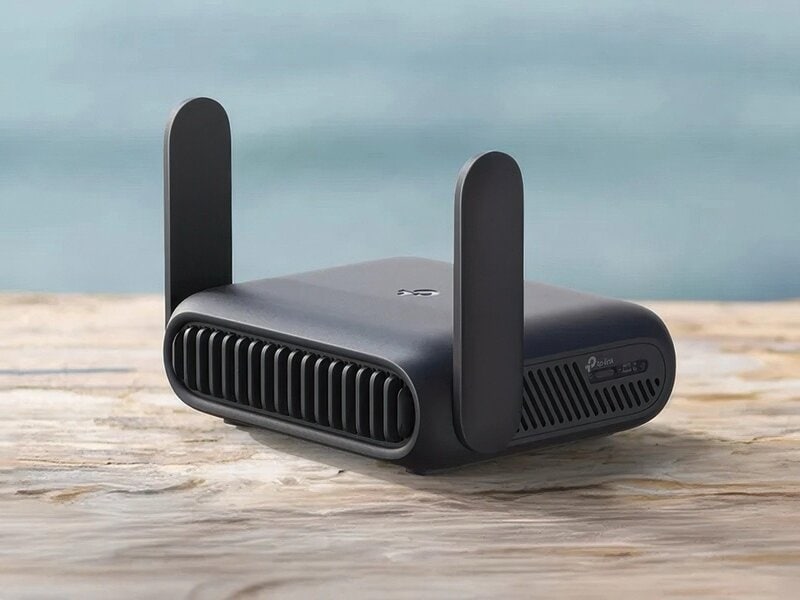
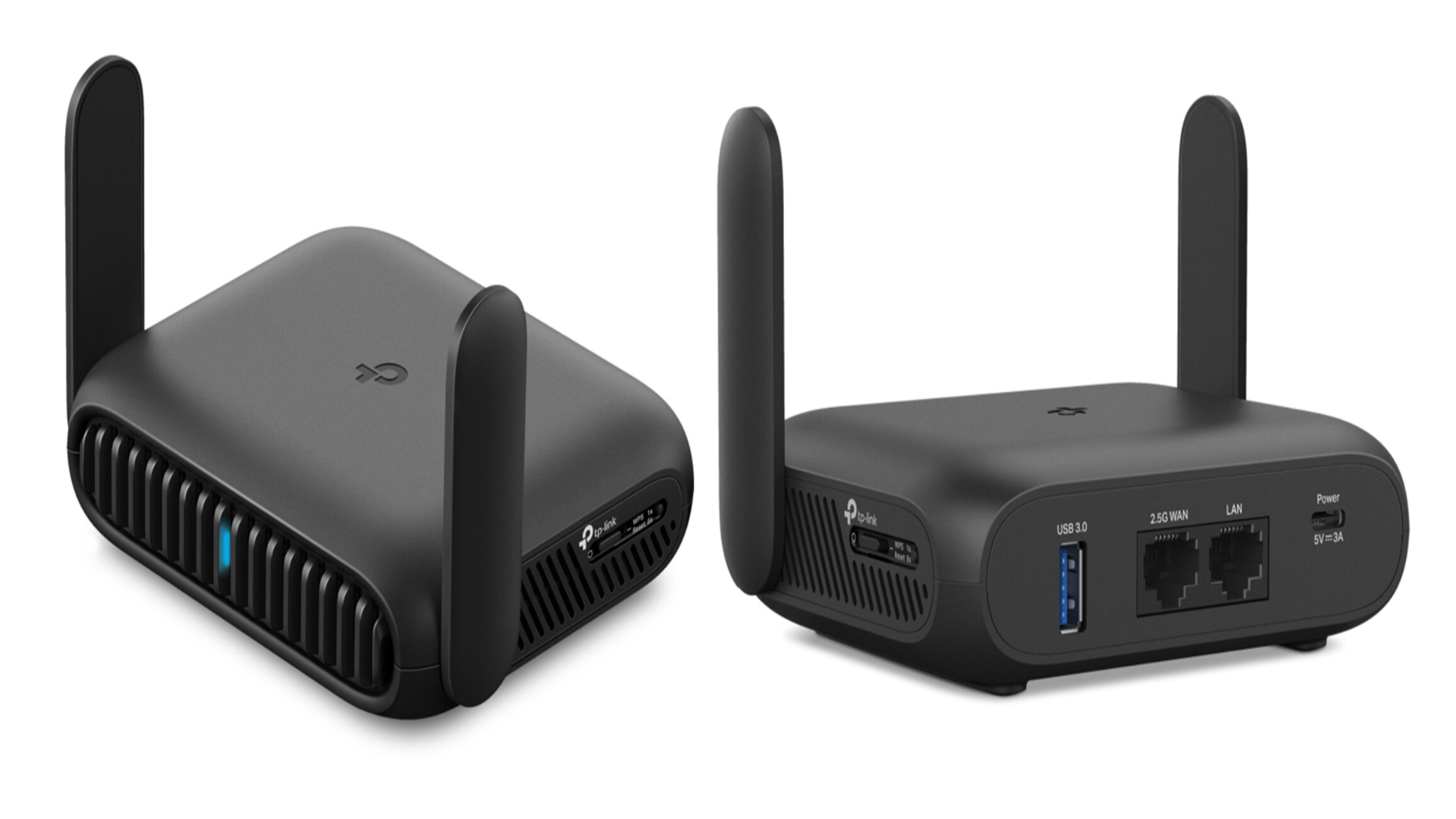
Routers with extra hardware like multiple antennas, USB ports, or built-in modems tend to draw more electricity. Each antenna boosts signal strength but also requires additional power to operate.
For instance, a router with four external antennas will consume noticeably more energy than a basic model with one or two. USB ports might seem convenient for sharing printers or storage, but they keep the router running at a higher power state even when not actively used.
Ask yourself if you really need all these extras. Cutting down on unnecessary hardware features can reduce your router’s energy use without impacting your daily internet experience.
Firmware And Software Efficiency
Firmware controls how your router manages its resources, including power consumption. Routers with optimized firmware can enter low-power modes when idle, saving energy without interrupting your connection.
Older or poorly maintained routers often lack these efficient power management features. Regularly updating your router’s firmware can improve energy use and boost security at the same time.
Have you checked when your router last updated its software? Sometimes a simple update can cut down energy use significantly, proving that smarter software can mean lower power bills.
Credit: www.trendhunter.com
Measuring Your Router’s Power Use
Measuring your router’s power use helps you understand its energy consumption. This knowledge can help reduce your electricity bill. It also guides you in choosing energy-efficient devices. There are simple ways to check how much power your router uses. You can use tools or estimate costs based on power ratings. Let’s explore these methods.
Using Power Meters
Power meters are handy devices that measure electricity use. Plug your router into the power meter, then connect it to the outlet. The meter shows real-time power consumption in watts. Some models also track energy use over time. This data helps you see how much power the router draws during use or standby. Power meters are affordable and easy to use for accurate readings.
Estimating Energy Costs
You can estimate energy costs without special tools. Check the router’s power rating on the label or manual. It usually shows watts (W) or volts and amps. Use this formula to find daily energy use:
- Power (W) × Hours used per day = Watt-hours (Wh) per day
- Divide Wh by 1,000 to get kilowatt-hours (kWh)
Multiply kWh by your local electricity rate to find the cost. For example, a 10-watt router used 24 hours costs less than a dollar per month. This method gives a quick estimate to compare devices.
Ways To Reduce Router Power Consumption
Reducing router power use helps save energy and lowers electricity bills. Adjusting settings, turning off unused features, and using energy-saving modes can cut power consumption effectively.
Reducing the power consumption of your Wi-Fi router can save energy and lower bills. Many routers consume energy even when not in use. Learning how to optimize settings can reduce this waste. Implementing simple strategies can make a significant difference. Here are some effective ways to cut down your router’s power usage.Adjusting Settings
Tweaking router settings can lower power use. Start by reducing the transmission power. This limits the range and saves energy. Disable unused features like guest networks or extra frequency bands. Turn off the LED lights if possible; they drain power without adding value. Regularly update firmware to improve efficiency and security.Scheduling Router Downtime
Set specific times for your router to be off. This strategy saves power when Wi-Fi is not needed. Use the router’s built-in scheduler. You can turn off the router at night or during work hours. This not only saves energy but also enhances security. Less exposure reduces chances of unauthorized access.Choosing Energy-efficient Models
Opt for routers designed for efficiency. Energy-efficient models use less power while offering similar features. Look for Energy Star-certified routers. They meet strict guidelines for energy consumption. Consider routers with automatic power-saving modes. These adjust power usage based on activity levels. Investing in such models pays off with long-term savings.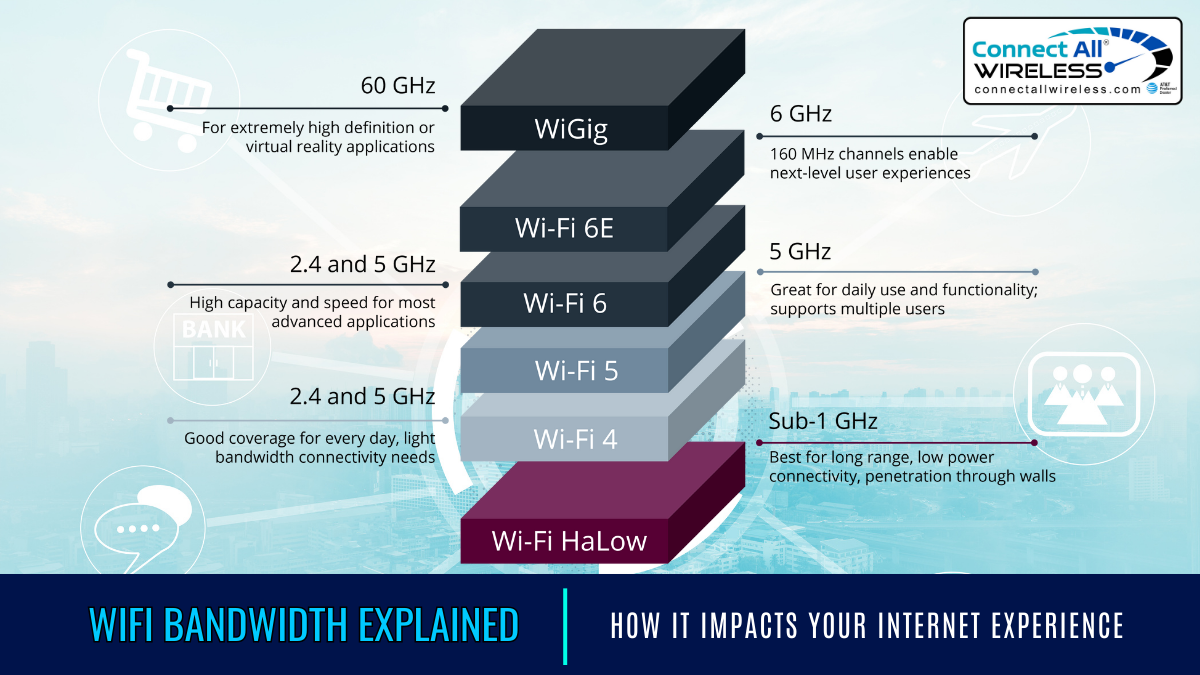
Credit: medium.com
Energy Savings And Environmental Benefits
Understanding the energy savings and environmental benefits of your Wi-Fi router can change the way you manage your home network. Routers run 24/7, quietly consuming power even when you’re not actively using the internet. Making smarter choices about your router’s energy use not only helps your wallet but also plays a role in protecting the environment.
Cost Savings Over Time
Reducing your router’s power consumption can lead to noticeable savings on your electricity bill. For example, switching to an energy-efficient model or using settings like power-saving mode can cut down usage by several watts each day.
Imagine saving just 5 watts daily. Over a year, that adds up to roughly 18 kWh. Depending on your electricity rate, this could save you around $2 to $5 annually per router. While it may seem small, multiply this by all the routers in your home or office, and the savings become significant.
Have you checked if your router has an eco-mode or scheduled power-off settings? Activating these features can reduce waste without sacrificing performance.
Reducing Carbon Footprint
Every watt your router consumes translates into carbon emissions, especially if your electricity comes from fossil fuels. Lowering power use means fewer greenhouse gases are released into the atmosphere.
Switching to energy-efficient routers or unplugging devices when not in use contributes to a cleaner planet. Even small changes, like disabling guest networks when not needed, can reduce power demands.
Think about the impact if millions of households adjusted their router usage. Could your small changes inspire others to do the same and help shrink the global carbon footprint?
Credit: www.techradar.com
Frequently Asked Questions
How Much Electricity Does A Typical Wi-fi Router Use?
A typical Wi-Fi router uses between 6 to 15 watts of power. This varies by model and usage. On average, it consumes about 10 watts while active, which translates to roughly 0. 24 kWh per day.
Does Wi-fi Router Power Consumption Affect Electricity Bills?
Yes, Wi-Fi routers contribute to your electricity bill but minimally. Their low wattage means they add only a small amount to monthly energy costs, usually less than a dollar per month depending on local rates.
Can I Reduce My Wi-fi Router’s Power Usage?
Yes, you can reduce power usage by enabling power-saving modes or turning off the router when not in use. Upgrading to energy-efficient models also helps lower electricity consumption significantly.
How Does Router Usage Impact Its Energy Consumption?
Router energy use increases with higher data traffic and connected devices. Heavy streaming or downloads cause the router to work harder, slightly raising its power consumption compared to idle or light use.
Conclusion
Wi-Fi routers usually use only a small amount of power. Most models consume between 5 and 20 watts while running. This means they do not add much to your electricity bill. Turning off your router when not in use can save some energy.
Choosing energy-efficient routers helps reduce power use even more. Understanding power use helps you manage your home devices better. Small changes make a difference over time. Keep your router working well without wasting energy. Simple steps can lead to smarter energy use at home.