Have you ever wondered how many devices can connect to your Wi-Fi at the same time? Whether it’s your phone, laptop, smart TV, or even smart home gadgets, knowing your router’s limits can save you from slow internet and constant buffering.
You’ll discover exactly how many Wi-Fi connections your router can handle and what affects that number. By the end, you’ll have the power to optimize your network and keep all your devices running smoothly. Keep reading—your internet experience depends on it!
Wi-fi Connections Basics
Understanding Wi-Fi connections is essential for managing home or office networks. Each router has limits on how many devices it can support efficiently. These limits depend on several factors including hardware and technology. Knowing these basics helps in choosing the right router for your needs.
What Limits Router Connections
Several factors limit the number of devices a router can handle. The router’s processor speed affects how quickly it manages data. Memory size controls how many tasks it can perform at once. The Wi-Fi standard used also impacts device support. Older standards like 802.11n support fewer devices than newer ones like 802.11ax.
Interference from other wireless devices can reduce performance. The number of connected devices sharing bandwidth lowers speed for all. Security settings and network management features also play a role. Overall, these elements determine the practical limit of Wi-Fi connections.
Types Of Wi-fi Routers
Wi-Fi routers come in various types, each designed for different needs.
- Single-Band Routers:Operate on one frequency, usually 2.4 GHz. Best for small homes with few devices.
- Dual-Band Routers:Use 2.4 GHz and 5 GHz bands. Help reduce congestion and support more devices.
- Tri-Band Routers:Add an extra 5 GHz band. Ideal for busy networks with many devices.
- Mesh Routers:Use multiple units to cover large areas. Provide consistent connections for many devices.
Choosing the right type depends on the number of devices and coverage area.
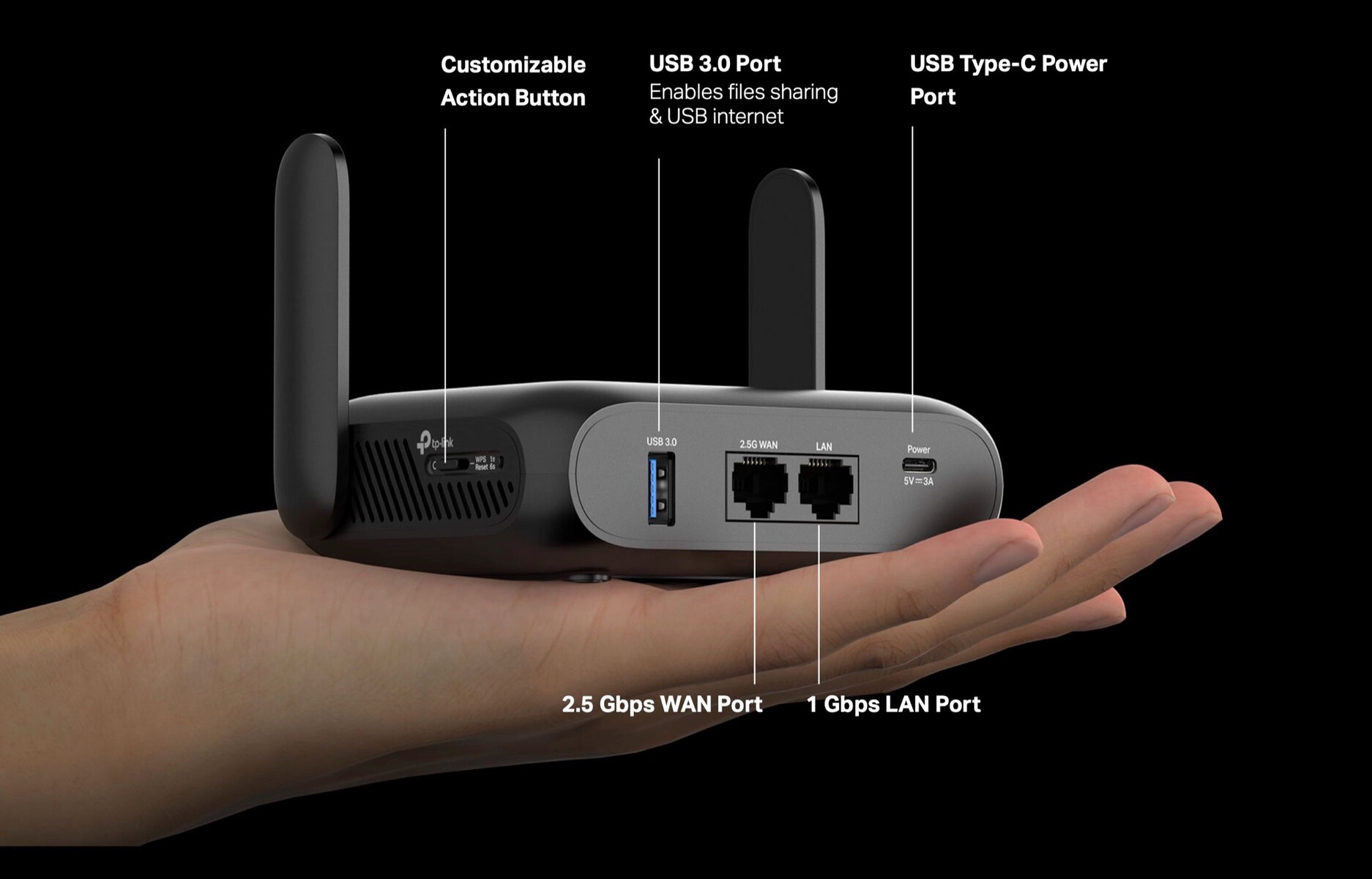
Credit: www.notebookcheck.net
Factors Affecting Connection Limits
Understanding the factors that affect how many devices your router can support helps you manage your home or office network better. It’s not just about the number printed in the specs; several technical and environmental elements influence performance and connection limits. Let’s break down what really matters to keep all your gadgets running smoothly.
Router Hardware Specifications
Your router’s internal components set the foundation for how many connections it can handle. Processors with higher speeds and more cores can manage multiple devices more efficiently. Similarly, the amount of RAM affects the router’s ability to keep track of active connections without slowing down.
If you’ve ever noticed your internet freezing when too many devices join your network, your router’s hardware might be the bottleneck. Cheaper models often struggle with more than a handful of simultaneous connections. Investing in a robust router can make a noticeable difference if you have many smart devices or streaming needs.
Network Bandwidth And Speed
Bandwidth is like the size of the pipe through which your internet flows; the bigger it is, the more data can travel at once. Even if your router supports many devices, limited bandwidth can cause slowdowns when multiple users stream videos or play online games.
Think about your internet plan’s speed limit—having a 100 Mbps connection shared among 10 devices is very different from a 1 Gbps plan. You can check your current bandwidth and adjust your usage or upgrade plans if you notice frequent buffering or lag.
Signal Range And Interference
The distance between your router and devices impacts connection quality. Walls, furniture, and other electronic devices can weaken Wi-Fi signals, causing some devices to drop off or slow down.
Interference from microwaves, cordless phones, and neighboring Wi-Fi networks also plays a role. Have you ever seen your connection drop only in certain rooms? This is usually because of signal range and interference issues, not the number of devices connected.
Number Of Frequency Bands
Routers that offer multiple frequency bands, such as 2.4 GHz and 5 GHz, can handle more devices by spreading the connections across these bands. The 2.4 GHz band covers a wider area but is more crowded, while 5 GHz offers faster speeds but shorter range.
Using dual-band or tri-band routers allows you to assign devices to different bands based on their needs. For example, you can put your streaming devices on the 5 GHz band and smart home gadgets on 2.4 GHz to reduce congestion. Are you making the most out of your router’s bands?
Connection Capacity By Router Type
Routers vary widely in the number of Wi-Fi connections they can handle. The connection capacity depends heavily on the router type. Each type serves different needs and environments. Understanding these differences helps choose the right router for your space and devices.
Home Routers
Home routers typically support between 10 and 30 devices. These routers are designed for small households. They handle everyday tasks like streaming, browsing, and gaming. Performance can drop if too many devices connect simultaneously. Most home routers use dual-band or tri-band technology. This helps balance the load but still has limits.
Business Routers
Business routers support more devices than home routers. They can handle 50 to 100 connections or more. These routers are built for small to medium-sized offices. They offer better security and more control over network traffic. Business routers often include features like guest networks and VPN support. They maintain stable connections even during busy hours.
Enterprise-grade Routers
Enterprise-grade routers serve large companies and institutions. They support hundreds or even thousands of devices at once. These routers use advanced hardware and software. They ensure fast, reliable connections across wide areas. Enterprise routers offer high security, load balancing, and network management tools. They handle heavy data traffic without slowing down the network.
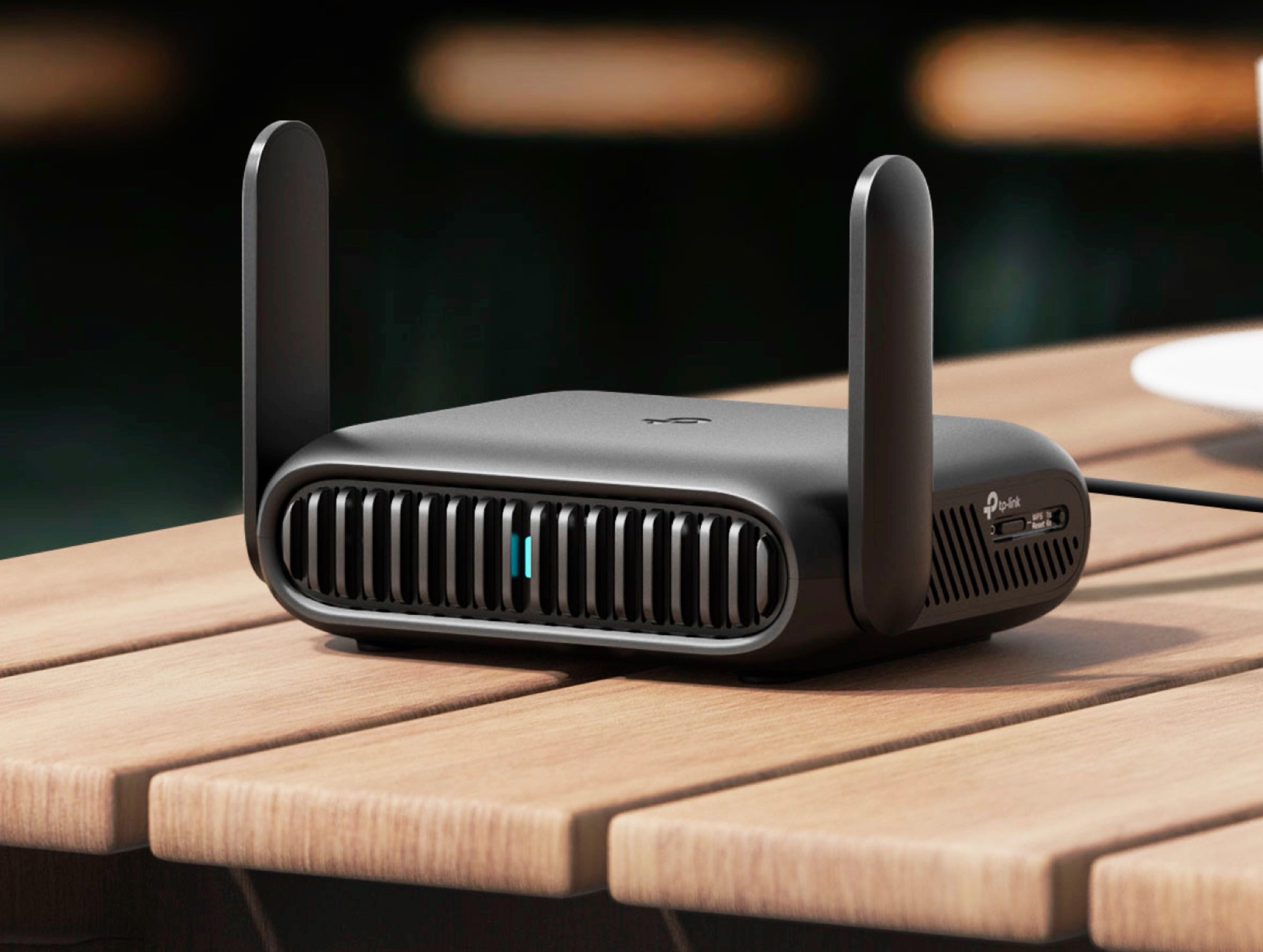
Credit: www.notebookcheck.net
Impact Of Multiple Devices
Multiple devices connected to a router can greatly affect its performance. Each device uses a part of the router’s capacity. More devices mean more demand on the network. This can slow down speeds and cause lag. Understanding how device types and usage patterns affect a router helps manage connections better.
Device Usage Patterns
Not all devices use the network equally. Smartphones checking messages use less data. Laptops downloading files need more bandwidth. Tablets streaming videos demand even more. The pattern of use changes the load on the router. Devices active at the same time increase the strain. Managing these patterns helps keep the network stable.
Simultaneous Streaming And Gaming
Streaming and gaming are heavy on internet speed. Streaming HD videos can use up to 5 Mbps per device. Online gaming requires fast response times and steady connections. Multiple users streaming or gaming at once can cause slowdowns. The router must handle many data streams smoothly. Otherwise, buffering and lag can spoil the experience.
Iot Devices And Their Influence
IoT devices include smart lights, cameras, and thermostats. Each device sends small amounts of data regularly. Many IoT devices together can overload a router’s capacity. They often run all the time, adding constant background traffic. This reduces bandwidth available for other devices. Properly managing IoT devices improves overall network health.
Optimizing Router Performance
Optimizing your router’s performance is key to supporting multiple Wi-Fi connections without slowdowns. Even if your router technically supports many devices, its real-world speed and reliability can vary. You can improve your network’s efficiency by managing settings, updating firmware, and expanding coverage smartly.
Firmware Updates And Settings
Keeping your router’s firmware up to date is one of the easiest ways to boost performance. Manufacturers release updates that fix bugs, improve security, and often enhance how the router handles multiple devices.
Check your router’s admin panel regularly for updates. Adjusting settings like channel selection and bandwidth allocation can also reduce interference and improve connection stability. Have you ever noticed your Wi-Fi slowing down after many devices connect? Tweaking these settings can make a big difference.
Using Quality Of Service (qos)
Quality of Service (QoS) lets you prioritize certain devices or applications over others. This means you can ensure work calls or streaming don’t get interrupted by less critical traffic like downloads or smart home devices.
Many routers have built-in QoS features that are easy to activate. By assigning higher priority to your most important devices, you keep your network running smoothly even when many gadgets are connected. What would happen if your router handled each device equally during a busy evening?
Extenders And Mesh Networks
If your router struggles to cover your whole home or office, extenders and mesh networks can help. Extenders boost your existing Wi-Fi signal, while mesh systems replace your router with multiple nodes that communicate seamlessly.
Mesh networks often perform better when many devices connect because they distribute the load across nodes. Adding extenders or switching to mesh can resolve dead zones and keep all your devices connected without sacrificing speed. Do you experience weak Wi-Fi in certain rooms despite having a strong router?
Troubleshooting Connection Issues
Understanding router capacity helps in managing Wi-Fi connections effectively. Most routers support around 250 devices, but performance varies with usage. High traffic or outdated models may reduce efficiency, causing connectivity issues.
Troubleshooting Connection Issues Dealing with Wi-Fi connection issues can be frustrating. If your router is handling more devices than it comfortably can, you might experience drops in connectivity or slower speeds. Understanding the common problems and knowing how to address them can significantly improve your Wi-Fi experience.
Common Problems With Many Connections
Routers have a limit on how many devices they can support effectively. Too many connections can lead to bandwidth bottlenecks. You might notice that streaming services buffer more frequently or online games lag. Another issue is overlapping signals from multiple devices. This can cause interference, making connections unstable. It’s like having too many people talking at once—everyone’s voice becomes difficult to hear.
Steps To Improve Stability
Start by reducing the number of devices connected simultaneously. Prioritize essential devices and disconnect others when not in use. Consider adjusting your router’s settings. Change the channel settings to minimize interference from neighboring networks. This can boost performance noticeably. Position your router centrally in your home. Avoid placing it near walls or appliances that might block signals. Sometimes, a simple relocation can make all the difference.
When To Upgrade Your Router
If troubleshooting doesn’t improve your Wi-Fi experience, it might be time to think about an upgrade. Older routers often struggle with newer devices and higher demands for connectivity. Look for routers that support the latest Wi-Fi standards. These are designed to handle more connections with better speed and stability. Ask yourself if your current router meets your needs. If you’re adding smart home devices or have a growing family, investing in a more capable router could enhance your digital life.
Future Trends In Wi-fi Connectivity
Wi-Fi technology is evolving fast to meet the demand for faster speeds and more connected devices. New standards and innovations promise to support many more connections without slowing down. The future of Wi-Fi connectivity focuses on improving capacity, speed, and reliability to keep up with smart homes and growing internet use.
Wi-fi 6 And Wi-fi 7 Advancements
Wi-Fi 6 offers faster speeds and better performance in crowded spaces. It uses new technology to handle many devices at once. Wi-Fi 7, the next step, will increase these speeds even more. It will support more devices with lower delays and stronger signals.
Increasing Connection Capacities
Routers are getting better at supporting many devices simultaneously. New features allow routers to divide their bandwidth efficiently. This helps avoid slowdowns when many devices connect. Expect routers to handle dozens or even hundreds of devices soon.
Smart Home And Iot Growth
Smart homes need constant Wi-Fi for devices like cameras, lights, and thermostats. The Internet of Things (IoT) adds many small gadgets to networks. Future Wi-Fi will focus on supporting these devices with stable, low-power connections. This growth pushes routers to improve how many devices they can support.
Frequently Asked Questions
How Many Devices Can A Typical Router Support?
A typical router supports 20 to 50 devices simultaneously. High-end routers can handle even more devices efficiently. The exact number depends on the router’s hardware and firmware capabilities. Overloading a router may reduce performance and speed.
Does Router Type Affect Wi-fi Connection Limits?
Yes, the router type greatly affects connection limits. Consumer-grade routers support fewer devices than enterprise-grade models. Advanced routers use better technology to manage multiple connections without slowing down. Choosing the right router depends on your device count and usage.
Can Multiple Users Slow Down A Router?
Yes, many users connected simultaneously can slow down a router. Bandwidth is shared among connected devices, reducing speed per device. Heavy internet activities like streaming or gaming increase the load. A powerful router helps maintain performance with many users.
What Factors Limit The Number Of Wi-fi Connections?
Wi-Fi connections are limited by router hardware, bandwidth, and interference. Signal strength and network congestion also impact connection quality. Router software and firmware updates can improve device handling. Proper placement and minimal interference optimize connection capacity.
Conclusion
A router’s capacity to handle Wi-Fi connections depends on its model and technology. Most home routers support between 20 to 50 devices at once. Too many devices can slow down your internet speed. Choosing a router that fits your needs helps avoid connection problems.
Remember, each device uses some bandwidth, so balance is key. Keep your router updated for the best performance. Understanding these limits helps you enjoy smooth and reliable Wi-Fi every day.