
You’ve invested in a 4K Smart TV, expecting stunning, crystal-clear pictures. But here’s the question: can your TV actually stream content in full 4K quality?
It’s frustrating when the picture doesn’t live up to the promise of your expensive screen. If you want to enjoy movies, shows, and games in breathtaking detail, understanding how 4K streaming works is key. Keep reading, and you’ll discover the simple steps to unlock the true power of your 4K Smart TV.
Credit: www.makeuseof.com
4k Smart Tv Basics
Understanding the basics of 4K Smart TVs is key to knowing whether they can truly stream content in 4K quality. These TVs combine ultra-high-definition screens with internet connectivity, giving you access to a range of streaming services. But what exactly defines a 4K TV, and what features make a TV “smart”? Let’s break it down.
What Makes A Tv 4k
A TV earns the 4K label by having a resolution of approximately 3840 x 2160 pixels. This means the screen displays four times the pixels of a Full HD TV, resulting in sharper and more detailed images.
Not all 4K TVs are created equal—some have better color accuracy and contrast, which also affect your viewing experience. So, simply having 4K resolution doesn’t guarantee the best picture quality.
Smart Tv Features Explained
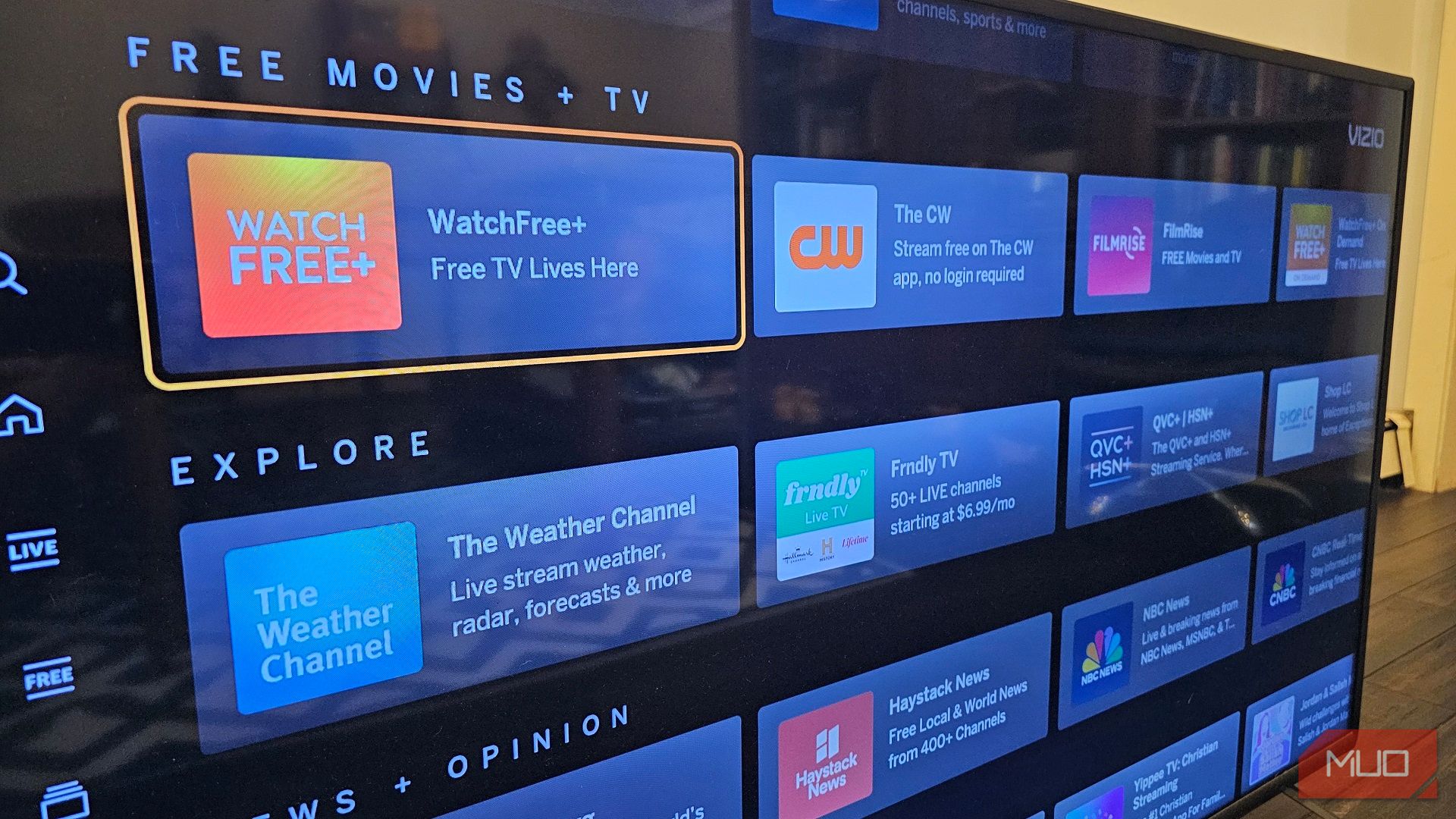
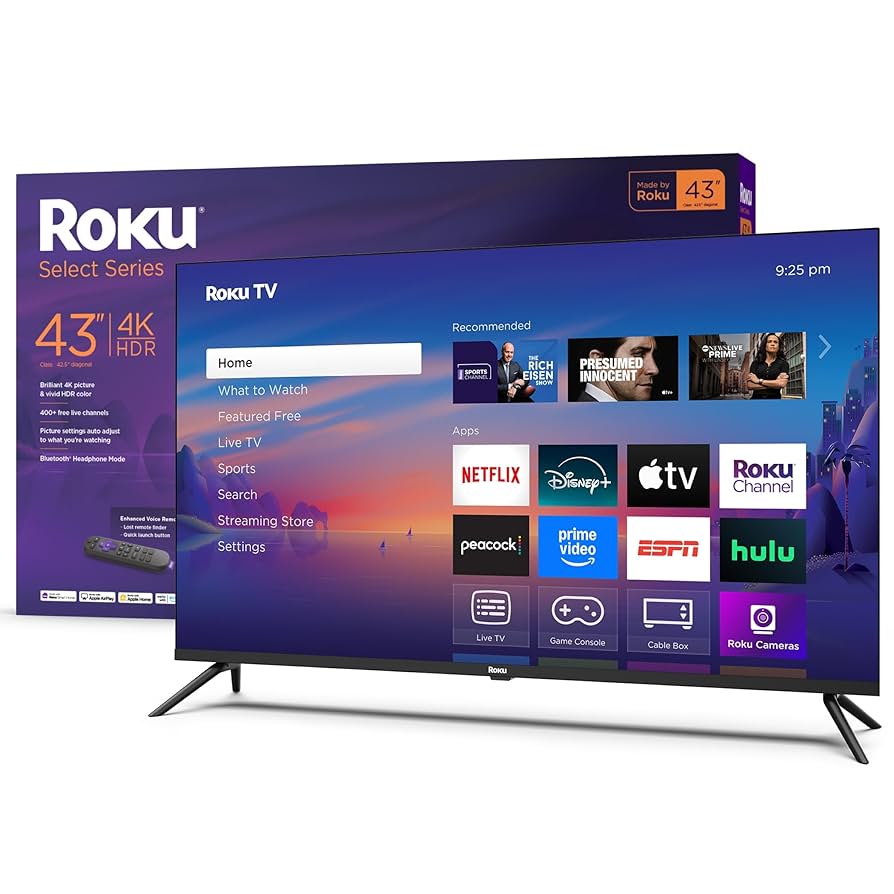
A Smart TV connects to the internet to stream shows, movies, and music directly without extra devices. It usually comes with pre-installed apps like Netflix, YouTube, and Amazon Prime Video.
Some smart TVs support voice commands, app downloads, and screen mirroring, making it easier to control and customize your entertainment. However, your internet speed and the TV’s processing power heavily influence streaming quality.
Have you noticed that some 4K Smart TVs struggle to stream in true 4K quality? That’s often due to limitations in the TV’s hardware or software rather than the internet connection alone. Understanding these basics helps you make smarter choices when picking your next TV.
Credit: www.amazon.com
Streaming 4k Content
Streaming 4K content offers a stunning visual experience with sharp images and vibrant colors. Many 4K Smart TVs can play 4K videos smoothly, but the quality depends on the source and internet speed. Watching shows, movies, and videos in 4K requires a good connection and the right apps. Understanding the options and needs helps you enjoy the best picture quality.
Popular 4k Streaming Services
- Netflix – Offers a wide range of 4K movies and series.
- Amazon Prime Video – Features many 4K titles including originals.
- Disney+ – Streams popular 4K content from Disney, Marvel, and Star Wars.
- YouTube – Hosts many free 4K videos and live streams.
- Apple TV+ – Provides original shows and films in 4K HDR.
Requirements For 4k Streaming
- A 4K Smart TV with HDR support for best picture quality.
- High-speed internet connection, ideally 25 Mbps or faster.
- Subscription to a streaming service that offers 4K content.
- Compatible streaming apps installed on your TV.
- HDMI cables that support 4K if using external devices.
Internet Speed And Bandwidth
In the world of 4K streaming, internet speed and bandwidth are crucial factors that determine the quality of your viewing experience. As your 4K Smart TV attempts to deliver stunning visuals, your internet connection must keep pace. But what does that mean for your setup at home? Let’s break down the essentials you need to know about internet speed and bandwidth when it comes to streaming 4K content.
Ideal Speeds For 4k Streaming
Streaming 4K content is a bandwidth-intensive activity. To ensure a smooth and buffer-free experience, you should aim for an internet speed of at least 25 Mbps. This speed allows your 4K Smart TV to receive the data it needs to produce the sharp images and vibrant colors you expect from 4K content.
Consider upgrading your internet plan if your current speed falls short. Check with your provider to see if they offer packages designed for high-definition streaming. Remember, more speed means less waiting and more enjoying.
Impact Of Network Stability
Even with high-speed internet, network stability plays a pivotal role in 4K streaming. Unstable connections can lead to frustrating interruptions and pixelated images. Imagine settling in for a movie night only to be met with constant buffering.
Ensure your network is up to the task by using a reliable router and minimizing interference from other devices. A wired connection can often provide a more stable and faster experience than Wi-Fi. How do you plan to optimize your setup?
Your 4K Smart TV deserves the best performance. By understanding and optimizing your internet speed and network stability, you can unlock the full potential of 4K streaming and enjoy every detail in clarity. Are you ready to take your home entertainment to the next level?
Credit: www.walmart.com
Optimizing Your Setup
Getting the most out of your 4K Smart TV means more than just plugging it in and pressing play. Your setup plays a huge role in whether you actually see those stunning 4K visuals. Small tweaks and the right connections can make a world of difference in streaming quality.
Best Connection Methods
To stream 4K content smoothly, your connection needs to handle high data rates without lag or interruption. Wired connections like Ethernet are usually the most reliable because they provide consistent speeds and lower latency.
- Ethernet Cable:Offers the most stable and fastest connection for streaming 4K. If your TV is near your router, this is the best choice.
- Wi-Fi 5 (802.11ac) or Wi-Fi 6 (802.11ax):If Ethernet isn’t an option, use the latest Wi-Fi standards. They support higher bandwidths suitable for 4K streaming.
- HDMI 2.0 or Higher:Ensure your HDMI cable supports 4K at 60Hz. Older cables may limit resolution or refresh rate, affecting picture quality.
Have you tested your internet speed lately? Streaming 4K requires at least 25 Mbps for smooth playback. If your speed falls short, no connection method will fully fix buffering issues.
Adjusting Tv Settings For Quality
Even with a solid connection, your TV settings can make or break your 4K experience. Many TVs have default settings optimized for general use, not necessarily for streaming crisp 4K content.
- Enable HDR:Most 4K streaming services offer High Dynamic Range content. Turning on HDR on your TV enhances brightness and color depth.
- Set Resolution to 4K:Double-check that your TV is set to display at 3840 x 2160 pixels. Sometimes, settings default to lower resolutions.
- Turn off Motion Smoothing:This feature can create unnatural motion effects. Disabling it often results in a more cinematic and clearer picture.
- Adjust Sharpness and Contrast:Lowering sharpness can reduce artificial edge enhancement. Increasing contrast carefully can boost image depth.
I once struggled to see the difference in 4K streams until I realized my TV was set to 1080p output. After changing that setting, the image quality jumped immediately. Small changes like this can transform your viewing experience.
Common Streaming Issues
Streaming 4K content on a smart TV promises stunning visuals. Yet, common streaming issues can spoil the experience. These problems often include buffering and lag, which disrupt smooth playback. Understanding the causes helps fix these interruptions faster. Below are key points about why buffering and lag happen, along with simple troubleshooting tips.
Buffering And Lag Causes
Buffering happens when the TV cannot download data fast enough. Lag appears as delays between actions and screen response. Several factors cause these issues:
- Slow internet speed below 25 Mbps needed for 4K streaming
- Weak Wi-Fi signals or interference from walls and devices
- Old or outdated router not supporting fast connections
- Multiple devices using the same network at once
- Streaming app or TV software glitches
- High traffic on streaming service servers
Troubleshooting Tips
Fix buffering and lag by trying these simple steps:
- Restart your router and smart TV
- Use a wired Ethernet connection instead of Wi-Fi
- Move the router closer to the TV
- Close other apps or devices using the internet
- Update your TV firmware and streaming apps regularly
- Lower the video quality to HD if 4K keeps buffering
Enhancing The Viewing Experience
Enhancing the viewing experience on a 4K Smart TV goes beyond just having a high-resolution screen. It involves optimizing both video and audio quality to make every moment vivid and immersive. Small adjustments and the right equipment can bring sharper images and clearer sound right into your living room.
Using External Devices
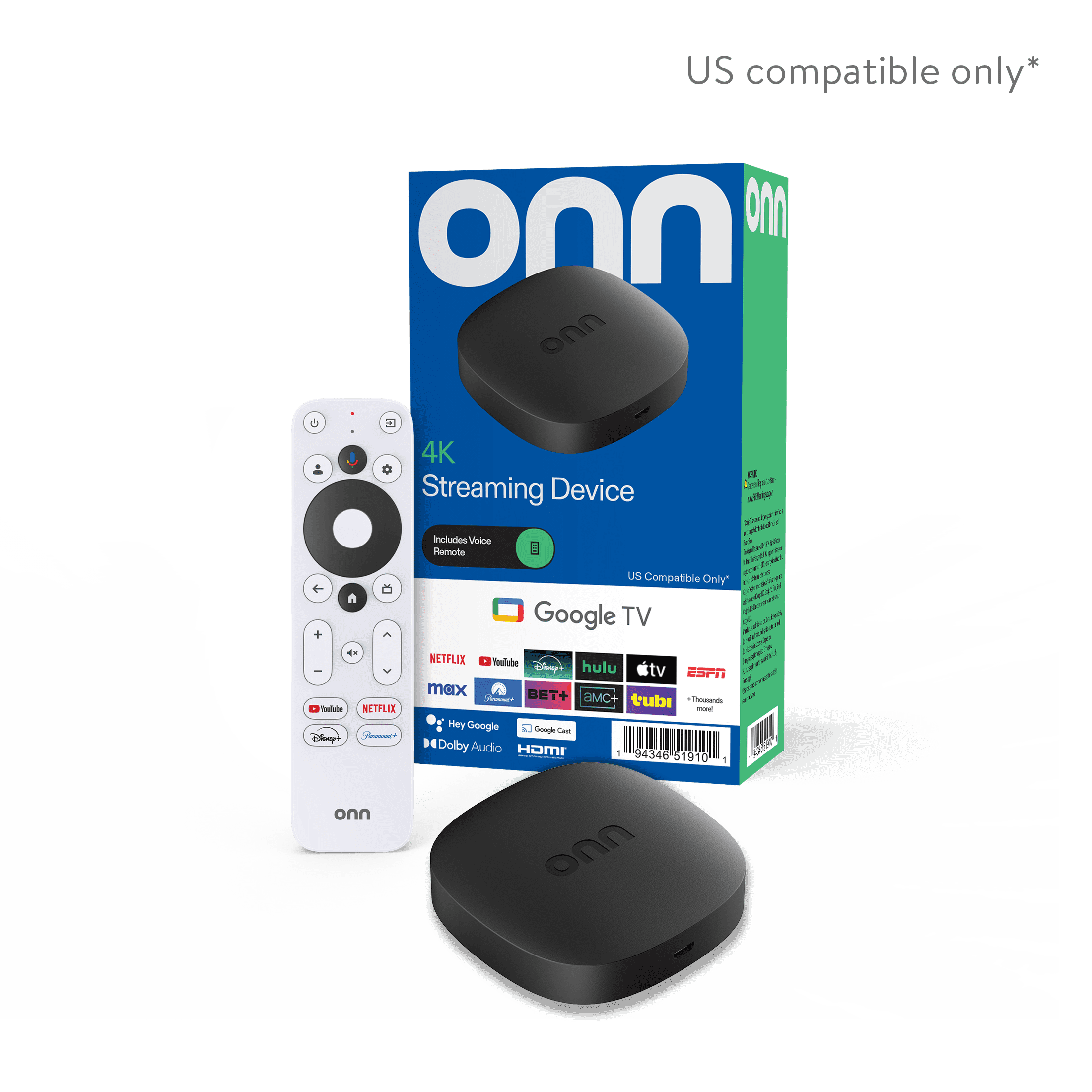
External devices like 4K Blu-ray players, streaming boxes, or gaming consoles can boost your TV’s performance. These devices often offer better processing power and support higher bit rates. This means smoother playback and richer details in the picture.
Many streaming devices support advanced codecs like HDR10 and Dolby Vision. These improve color accuracy and contrast. Connecting a reliable device ensures your TV streams true 4K content without buffering or quality loss.
Audio And Video Enhancements
Most 4K Smart TVs include built-in settings to improve picture quality. Features like HDR, dynamic contrast, and motion smoothing help make images more lifelike. Adjusting brightness, sharpness, and color settings can also enhance the overall look.
Sound quality plays a big role in immersion. Using external soundbars or home theater systems adds depth and clarity. Look for devices supporting Dolby Atmos or DTS:X for a surround sound effect. A good audio setup turns ordinary scenes into cinematic experiences.
Frequently Asked Questions
Can A 4k Smart Tv Stream 4k Content Directly?
Yes, a 4K Smart TV can stream 4K content if it supports the required streaming apps and has a fast internet connection.
What Internet Speed Is Needed For 4k Streaming?
A minimum internet speed of 25 Mbps is recommended for smooth 4K streaming without buffering on a Smart TV.
Do All Streaming Apps Support 4k On Smart Tvs?
Not all apps offer 4K streaming, but popular ones like Netflix, Amazon Prime, and Disney+ do for compatible TVs.
Does A 4k Smart Tv Need Special Cables For Streaming?
No special cables are needed for streaming 4K content, but HDMI 2. 0 or higher is required for external devices.
Conclusion
A 4K Smart TV can stream 4K content smoothly with the right internet speed. Make sure your connection is fast and stable. Also, use apps that support 4K streaming for the best quality. Keep in mind, not all shows or movies are available in 4K.
Still, a 4K Smart TV offers a clearer, sharper picture than regular HD. Enjoy your favorite movies and shows with better details and colors. Streaming 4K is possible and worth trying if you want a better viewing experience.