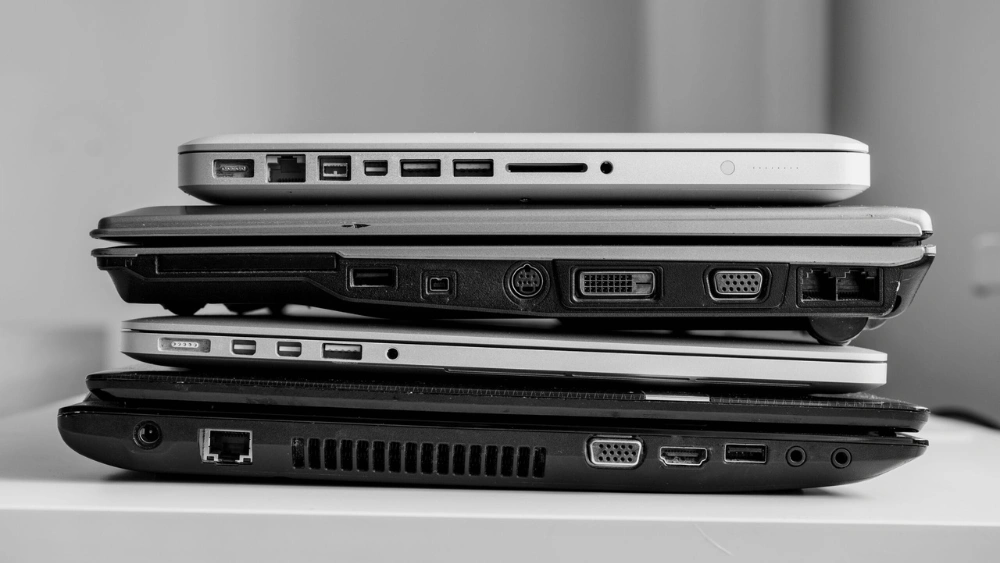
Are you wondering how often you should replace your laptop? It’s a question many people face but don’t always find a clear answer to.
Your laptop is more than just a tool—it’s where you work, create, and connect. But when does it stop being reliable? Replacing your laptop too soon wastes money, while waiting too long can slow you down and cause frustration. You’ll discover the key signs that it’s time for an upgrade and how to make the best decision for your needs.
Keep reading to find out exactly when to say goodbye to your old laptop and welcome a new one.

Credit: www.cnet.com
Laptop Lifespan Factors
Several factors affect how long a laptop lasts before needing replacement. Understanding these helps you decide the best time to upgrade. Each factor impacts your laptop’s performance and usability differently.
Hardware Durability
Quality parts extend a laptop’s life. Strong build materials resist damage from daily use. Internal components like the battery, hard drive, and cooling system wear out over time. Regular maintenance can slow hardware failure but cannot prevent it forever.
Software Compatibility
New software demands more from laptops. Older devices may struggle with updates or run programs slowly. Some software stops supporting outdated systems, limiting functionality. Keeping software current helps security but may require newer hardware.
Usage Patterns
Heavy users wear out laptops faster. Gaming, video editing, and multitasking stress the machine. Light users who browse or write documents may use laptops longer. How you use your laptop shapes its lifespan significantly.
Technological Advances
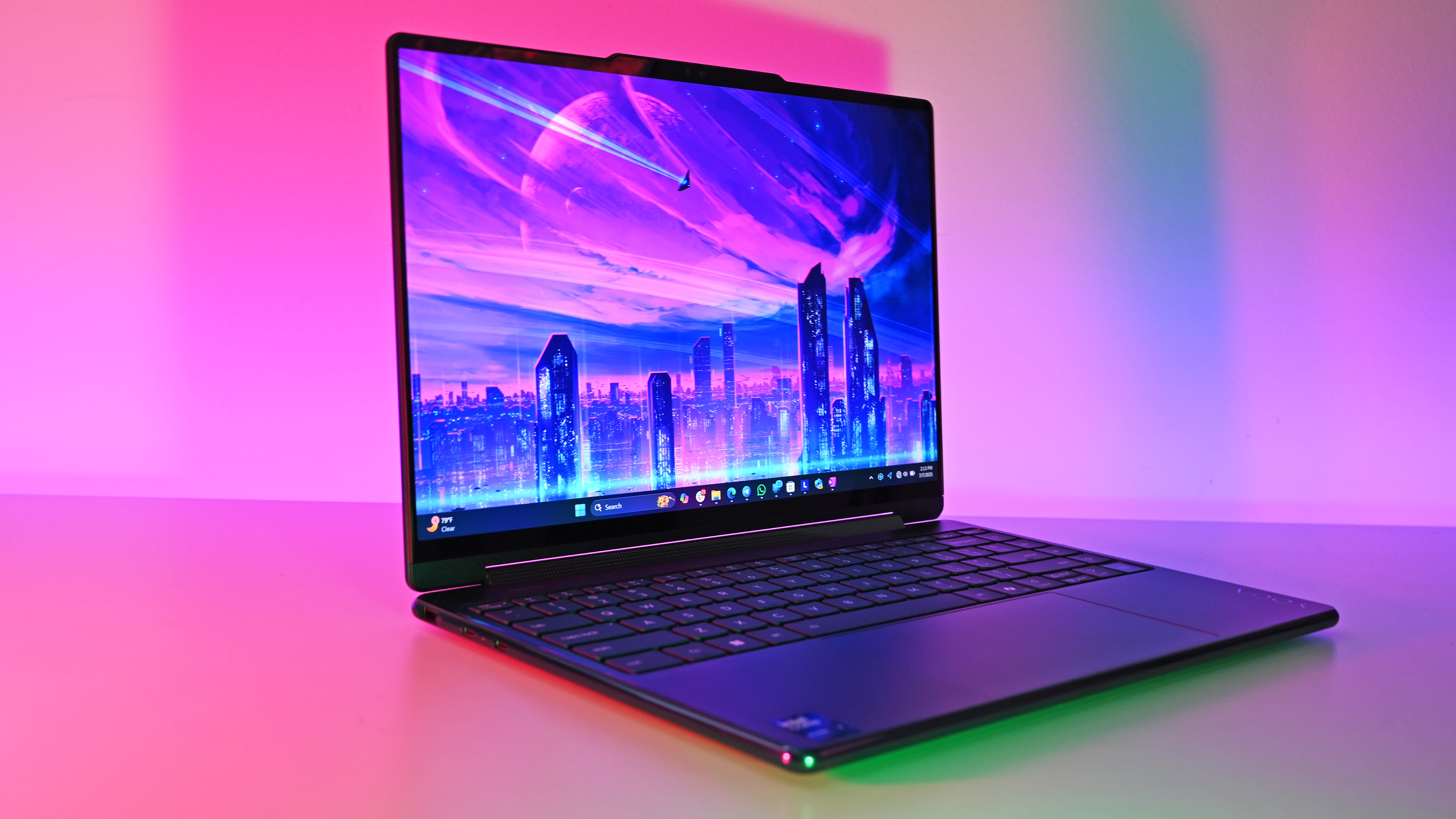
Tech changes quickly. New features and faster speeds appear regularly. Older laptops may lack support for new tools and connections. Upgrading helps stay efficient with modern tasks. Yet, not all upgrades are necessary immediately.
Credit: www.windowscentral.com
Signs You Need A New Laptop
Knowing when to replace your laptop can save you from frustration and lost productivity. Laptops don’t always die suddenly; often, they give you subtle hints that it’s time for an upgrade. Recognizing these signs early helps you avoid unexpected crashes and keeps your work or entertainment smooth.
Performance Slowdowns
If your laptop takes forever to open simple apps or struggles to multitask, it might be aging out. You might notice longer boot times or constant freezing, especially when running newer software. Ask yourself: does your laptop keep up with your daily tasks, or is it slowing you down?
Sometimes, a quick cleanup or adding more RAM helps, but if performance issues persist, it’s a clear sign your device is out of date. Don’t let slowdowns steal your time—consider whether a new laptop could boost your efficiency.
Battery Issues
Is your laptop’s battery life shrinking faster than it should? If you’re constantly tethered to a charger or see the battery percentage dropping suddenly, it’s a major red flag. Batteries degrade over time, and replacing them isn’t always practical or cost-effective.
Think about how often you need to stay mobile and if your current battery supports that lifestyle. If it doesn’t, upgrading might be the best way to regain freedom from power cords.
Physical Damage
Cracks, broken keys, or a malfunctioning screen can make using your laptop frustrating and even unsafe. Physical damage often leads to other issues like overheating or connectivity problems. Have you noticed your laptop looking worse for wear or parts not working as they should?
Minor repairs might help, but extensive damage usually means it’s time to invest in a new device that you can rely on without worry.
Outdated Features
Does your laptop lack essential ports, have an old operating system, or miss out on the latest security updates? Using outdated hardware can limit what you can do and expose you to risks. For example, older laptops might not support the newest software or streaming services you enjoy.
Think about what features you need today versus what your laptop offers. If it’s holding you back, upgrading will open up new possibilities and keep you safer online.
Replacement Timelines By User Type
Laptop replacement is a decision that varies widely among users. It’s not just about staying up-to-date with the latest technology—it’s about meeting your unique needs. Whether you’re a casual user, a business professional, a gamer, or a creative professional, the timeline for replacing your laptop can differ significantly. Let’s dive into how often each type of user should consider upgrading.
Casual Users
If you use your laptop primarily for browsing, checking emails, or watching videos, your replacement timeline is more flexible. You might find that a laptop can serve you well for 4-6 years. Assess your needs periodically. Are you experiencing slow performance or issues with battery life? It might be time to consider an upgrade. Remember, newer models often come with better energy efficiency and features that enhance user experience.
Business Professionals
For business professionals, a laptop is more than just a tool—it’s a lifeline. Reliability and speed are crucial. Consider replacing your laptop every 3-4 years. A slow computer can hinder productivity. You need a machine that keeps up with multitasking and has the latest security features. Investing in a newer model can save time and enhance efficiency, which is vital in a fast-paced business environment.
Gamers
Gaming demands high performance. If you’re a gamer, you know the importance of graphics and speed. Typically, replacing your gaming laptop every 2-3 years is ideal. Technology advances rapidly in the gaming world. New games require better specs. Check if your current setup supports the latest games smoothly. If not, upgrading might be necessary to ensure you continue to enjoy gaming without lag or crashes.
Creative Professionals
Creative professionals need powerful machines for tasks like video editing, graphic design, and animation. Consider replacing your laptop every 3-4 years to keep up with software demands. Creative applications often require high processing power and memory. Is your laptop struggling with newer software updates? It’s a sign to upgrade. A new laptop can enhance your creative workflow and enable faster project completion.
Cost Vs. Benefit Of Replacing
Deciding when to replace a laptop involves weighing the costs against the benefits. Spending money on repairs might seem cheaper but can add up quickly. Buying a new laptop costs more upfront but may offer better value over time. Understanding these factors helps make smart decisions.
Repairing Vs. Buying New
Repairing a laptop saves money if the issue is small. Parts and labor can still be expensive. Older laptops may have outdated parts that fail again soon. New laptops have the latest technology and often last longer. Compare repair costs to the price of a new machine. Choose the option that offers longer use for less money.
Impact On Productivity
Slow or broken laptops reduce work speed. Waiting for programs to load wastes time. New laptops run faster and handle tasks smoothly. Improved speed boosts focus and efficiency. Consider how much lost productivity costs compared to buying new. Sometimes a new laptop pays off through better work output.
Resale Value Considerations
Laptops lose value over time. Selling an old laptop before it becomes too outdated recovers some cost. Repairing a very old laptop might not increase its resale price. Newer laptops hold value longer and attract more buyers. Check current resale prices before deciding. This helps get the best return on investment.
Tips To Extend Laptop Life
Extending your laptop’s life saves money and avoids frequent replacements. Simple care habits keep it running smoothly for years. Small efforts make a big difference in performance and durability. Follow these practical tips to protect your device effectively.
Regular Maintenance
Clean your laptop often to avoid dust build-up. Use a soft cloth and compressed air for vents and keyboard. Check for loose screws and tighten them carefully. Keep the laptop on flat surfaces to prevent overheating. Regularly back up important files to avoid data loss.
Battery Care
Charge the battery properly by avoiding overcharging. Unplug the charger once the battery reaches 100%. Use power-saving settings to extend battery life. Avoid letting the battery drain completely. Store the laptop in a cool, dry place when not in use.
Software Updates
Keep your operating system up to date for security and speed. Update drivers regularly to improve hardware performance. Remove unused programs to free up space and reduce slowdowns. Run antivirus scans to protect against malware and viruses.
Proper Usage Habits
Close apps properly instead of forcing shutdowns. Avoid eating or drinking near the laptop to prevent spills. Use a laptop bag or case for safe transport. Limit running many heavy programs at once. Turn off the laptop when not in use for long periods.

Credit: www.lapserve.com
Trends Influencing Laptop Replacement In 2025
The way you decide when to replace your laptop is changing fast. New trends in technology and lifestyle in 2025 are shaping how often people upgrade their devices. Understanding these shifts can help you make smarter choices about your laptop’s lifespan.
Advances In Processor Technology
Processors are getting faster and more efficient every year. With the arrival of new chips, laptops can handle more tasks without slowing down. If your laptop’s processor feels outdated, it might be time to consider an upgrade—especially if you use demanding software.
Think about how your current laptop manages multitasking or heavy applications. If you notice lag or overheating, newer processors could solve these problems and extend your productivity.
Shift To Cloud Computing
More work is moving to the cloud, reducing the need for powerful local hardware. This means you might not need to replace your laptop as often if your tasks rely on internet-based apps. However, a stable and fast internet connection becomes crucial for a smooth experience.
Ask yourself: Is your laptop still good enough to connect to cloud services effectively? Sometimes, investing in better connectivity or storage solutions can delay the need for a full replacement.
Sustainability And Recycling
Many people now consider the environmental impact of their tech upgrades. Manufacturers and consumers alike are focusing on recycling and sustainable materials. This shift encourages you to keep your laptop longer or choose models designed for easy repair and recycling.
Have you thought about how your old laptop can be reused or recycled? Extending your device’s life not only saves money but also reduces electronic waste.
Emerging Laptop Designs
Laptops are becoming more versatile with foldable screens, detachable keyboards, and ultra-lightweight builds. These innovations offer new ways to use your laptop beyond traditional setups. If you value portability or multi-functionality, upgrading to one of these designs might be worth it.
Consider what features matter most to you in daily use. Could a new design improve your comfort and efficiency enough to justify replacing your current laptop?
Frequently Asked Questions
How Often Should I Replace My Laptop For Best Performance?
Replace your laptop every 3 to 5 years. This timeframe balances performance, software compatibility, and hardware reliability. Upgrading regularly ensures you benefit from faster processors, better battery life, and security updates, keeping your device efficient and safe for daily use.
What Signs Indicate It’s Time To Replace A Laptop?
Signs include slow performance, frequent crashes, overheating, and inability to run new software. Battery life drastically reducing or hardware failures also signal replacement. If repair costs exceed 50% of a new laptop’s price, replacing is usually more cost-effective.
Can Software Updates Affect Laptop Replacement Frequency?
Yes, software updates often require more powerful hardware. Older laptops may struggle with new operating systems or apps. This can slow performance and reduce security. Staying updated means you might need to replace your laptop sooner to maintain smooth operation.
Does Laptop Usage Type Affect Replacement Timing?
Absolutely. Heavy users like gamers or designers may need to replace laptops every 2-3 years due to high demands. Casual users can often extend usage to 5 years. Usage intensity directly impacts hardware wear and software requirements.
Conclusion
Choosing when to replace your laptop depends on your needs and laptop’s health. Watch for slow speed, battery issues, or broken parts. Upgrading software or hardware can help sometimes. But old laptops may struggle with new tasks. Balance cost and performance before deciding.
Regular care extends your laptop’s life. Stay aware of how your device feels day to day. This helps you avoid surprise failures. Replace your laptop when it no longer supports your work or hobbies well. Simple steps keep your tech running smoothly.