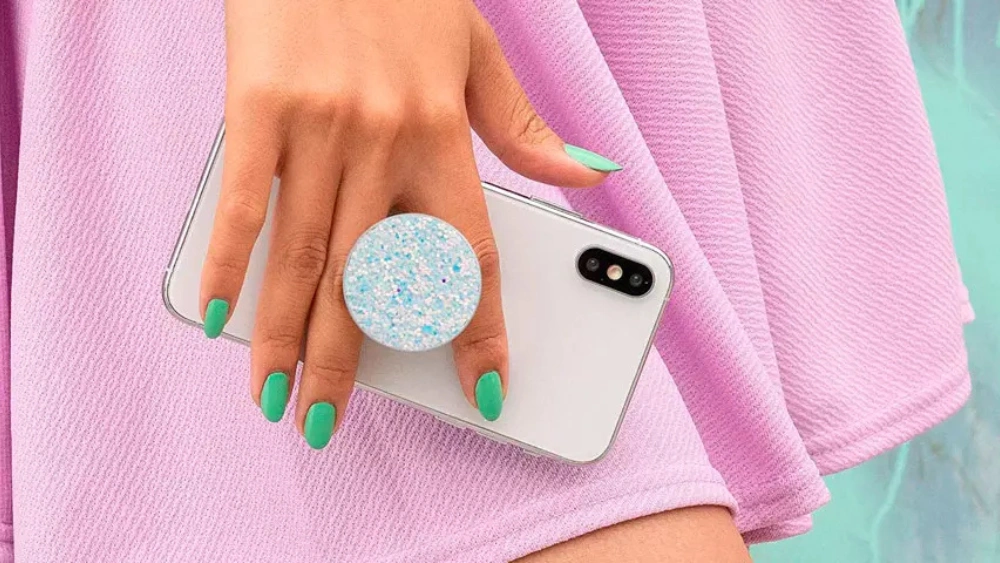
Have you ever stuck your Popsocket on your phone, only to realize it’s not in the perfect spot? Maybe it feels awkward in your hand or makes your phone wobble when you set it down.
The good news is, you don’t have to live with that annoying placement. You can easily reposition your Popsocket to fit your grip and style better. Keep reading, and you’ll discover simple, step-by-step tips to move your Popsocket without losing its stickiness or damaging your phone.
Your comfort and convenience are just a few easy moves away!
Why Reposition A Popsocket
Repositioning a Popsocket might seem trivial, but it can dramatically improve how you use your phone every day. Many people place their Popsocket without considering comfort or functionality, which can lead to frustration or even damage to the accessory. Understanding why you should reposition your Popsocket helps you get the most out of this small yet powerful tool.
Benefits Of Proper Placement
Placing your Popsocket correctly offers several benefits you might not expect. It gives you a stronger grip, making it easier to hold your phone securely, especially during one-handed use.
Proper placement also improves your ability to take selfies or videos without straining your fingers. You’ll notice less wrist fatigue and better control when texting, scrolling, or gaming.
Additionally, a well-positioned Popsocket can serve as a more stable stand for watching videos or video calls. Have you ever struggled to find the right angle for your phone? Correct placement solves that.
Common Placement Mistakes
Many users place their Popsocket too close to the center or edge of the phone, which can make holding it awkward or unstable. This often leads to slipping or the need to constantly adjust your grip.
Another frequent mistake is ignoring the size of your hand and how you naturally hold your phone. If your Popsocket is too high or too low, it won’t support your fingers correctly, reducing its usefulness.
Some also place the Popsocket over areas like the camera bump or fingerprint sensor, which can interfere with phone functions. Have you noticed any inconvenience like this after sticking your Popsocket?
Tools You’ll Need
Before you reposition your Popsocket, having the right tools ready can make the process smoother and more effective. The key is to prepare your device’s surface properly, so the Popsocket sticks well after you move it. Let’s look at the essential tools you’ll need to get started.
Cleaning Supplies
Cleaning your phone’s surface is crucial. Dirt, oil, and dust can prevent the Popsocket from sticking properly.
- Isopropyl alcohol wipes:These are perfect for removing oils without leaving residue.
- Microfiber cloth:Use this to wipe the surface gently and avoid scratches.
- Compressed air:Great for blowing out dust from hard-to-reach spots.
I once skipped cleaning my phone before repositioning my Popsocket, and it just wouldn’t stick. After a proper wipe-down with alcohol wipes, the adhesion improved dramatically. Have you noticed how a quick clean can change the whole experience?
Drying Materials
After cleaning, your phone’s surface must be completely dry before attaching the Popsocket again.
- Lint-free towels:These help absorb moisture without leaving fibers behind.
- Air drying:Sometimes, just letting the phone sit for a few minutes does the trick.
Patience is key here. Rushing to stick the Popsocket on a damp surface can ruin the adhesive. Have you ever felt frustrated when a fresh sticker just wouldn’t stick? Drying properly avoids that hassle.
Removing The Popsocket
Gently pull the Popsocket away from your phone to avoid damage. Clean the surface before placing it in a new spot for better grip. Allow the adhesive to set for a few hours before use.
Removing the Popsocket from your device can be a straightforward task if you approach it with care. Whether you’re repositioning it for better functionality or simply giving your phone a fresh look, ensuring a smooth removal process is crucial. With the right techniques, you can avoid any potential damage and keep your device safe.Gentle Detachment Techniques
Start by gently pulling the Popsocket away from your device. Use your fingertips to lift the base slowly. If it’s stubborn, try using a thin, flat object like a credit card to slide under the adhesive. Slowly work your way around the edges, easing the Popsocket off. This method helps in preserving the adhesive for future use. A steady hand and patience are key. Rushing can cause unnecessary damage or wear to the adhesive.Avoiding Damage
To protect your phone, avoid using sharp objects or excessive force. These can scratch your device’s surface or damage the Popsocket itself. If the adhesive feels too resistant, consider softening it with a little heat. A hairdryer on a low setting can help loosen the adhesive without harming your phone. Think about your device’s material—is it glass or plastic? Tailor your approach accordingly to prevent any unintended consequences.Preparing The Surface
Preparing the surface is essential before repositioning a PopSocket. A clean and dry area ensures strong adhesion and prevents the PopSocket from falling off later. Skipping this step may cause weak sticking and reduce the product’s lifespan.
Cleaning The Phone Or Case
Start by removing dirt, dust, and oils from the phone or case surface. Use a soft cloth or cotton pad with rubbing alcohol or mild soap and water. Avoid harsh chemicals that can damage the phone or case finish. Gently wipe the area where the PopSocket will attach. Make sure to clean beyond the edges to remove any hidden grime. A spotless surface helps the adhesive grip better.
Drying For Adhesion
Allow the cleaned surface to dry completely before attaching the PopSocket. Moisture can weaken the adhesive bond and cause the PopSocket to slip off. Air drying is best, but you can use a dry cloth or paper towel to speed up the process. Ensure no water spots or dampness remain. A dry surface offers the best chance for long-lasting adhesion and secure placement.
Choosing The New Spot
Choosing the new spot for your Popsocket is more than just picking a random place on your phone’s back. It’s about finding a position that feels natural and comfortable for your daily use. Taking a moment to think about how you hold and use your phone can make a big difference in your comfort and grip security.
Ergonomic Considerations
Think about how your fingers naturally wrap around your phone. Placing the Popsocket where your fingers rest can reduce strain and improve grip. Avoid spots that make your hand stretch awkwardly or cause tension in your wrist.
For example, if you often use your phone one-handed, positioning the Popsocket near the lower half of the back can offer better control. If you use both hands, a center placement might feel more balanced. Pay attention to how your hand feels after holding your phone for a few minutes—does it feel relaxed or tired?
Phone Usage Habits
Consider what you usually do on your phone. Are you mostly texting, browsing, or taking photos? Your Popsocket’s new spot should support these activities. If you take a lot of selfies, positioning it near the middle can help stabilize your grip while snapping pictures.
Also, think about whether you frequently use your phone in landscape mode for videos or games. Placing the Popsocket in a spot that works well in both portrait and landscape can enhance your experience. Have you noticed any awkward moments when holding your phone that a simple repositioning could fix?
Reapplying The Popsocket
Reapplying a Popsocket requires care to keep it secure and functional. Removing and repositioning it can reduce its stickiness. Proper reapplication helps restore its grip and usability. Follow simple steps to place it correctly and ensure a strong hold.
Aligning Correctly
Place the Popsocket on a clean, dry surface of your device. Make sure the spot is free from dust and oils. Align the base carefully to avoid crooked placement. Check the position from different angles before pressing down. Proper alignment prevents the Popsocket from peeling off later.
Pressing For Strong Hold
Press the Popsocket firmly against your device. Apply even pressure across the entire base. Hold for at least 30 seconds to activate the adhesive. Avoid moving it while pressing to maintain a strong bond. Let it rest for a few hours before using it fully.
Tips To Maintain Adhesion
Maintaining the strong hold of your Popsocket after repositioning is essential to keep it functional and secure. You want it to stick well without falling off or needing constant adjustments. Simple habits can make a big difference in preserving its adhesive power over time.
Avoiding Moisture
Moisture is one of the biggest enemies of adhesive surfaces. Even a small amount of water or sweat can weaken the bond between your Popsocket and your phone.
Keep your phone and Popsocket dry, especially before repositioning. If you’ve handled your phone with damp hands, take a moment to dry it completely. Think about where you usually place your phone—do you leave it on wet surfaces or near your sink? Changing these habits helps a lot.
Regular Cleaning
Dirt, dust, and oils from your hands can build up on the adhesive part, making it less sticky over time. Regular cleaning can help you avoid this problem.
Use a soft cloth slightly dampened with rubbing alcohol to gently wipe the adhesive area. Avoid soap or water since they can leave residues. Cleaning your Popsocket every few weeks keeps it fresh and ready to stick firmly whenever you reposition it.
Frequently Asked Questions
How Do I Safely Remove A Popsocket?
Gently pull the Popsocket from the phone surface, starting at the edges. Avoid using sharp objects to prevent damage. Clean any residue with rubbing alcohol and a soft cloth before repositioning.
Can I Reposition My Popsocket Without Losing Stickiness?
Yes, carefully remove and clean the adhesive side with warm water. Let it air dry fully to restore stickiness before reapplying to a new spot.
What Is The Best Spot To Reposition A Popsocket?
Place it where your fingers naturally rest for a comfortable grip. Common spots include the center or lower half of the phone’s back.
Will Repositioning My Popsocket Damage My Phone Case?
Repositioning usually does not damage cases if done carefully. Avoid excessive force or sharp tools to prevent scratches or adhesive residue.
Conclusion
Repositioning a Popsocket is simple with careful steps. Clean the phone surface well before moving it. Peel off slowly to avoid damage. Press firmly when placing it in a new spot. Let the adhesive set for a few hours. This keeps your Popsocket secure and stable.
Enjoy a better grip and comfort on your phone. Small changes can make a big difference. Try these tips for a fresh, improved phone hold.